---
title: Archive a conversation
description: >-
  Archive a finished thread so it leaves All and Unread, then find it under
  Archived.
sidebar:
  order: 6
---
In this tutorial, you will archive one finished conversation.

**Time needed:** 5 minutes

## Before you start

Make sure:

- The customer issue is done, or this is a test thread.
- You can see the conversation in **All** or **Unread**.

> A new customer reply can bring the thread back to active work.

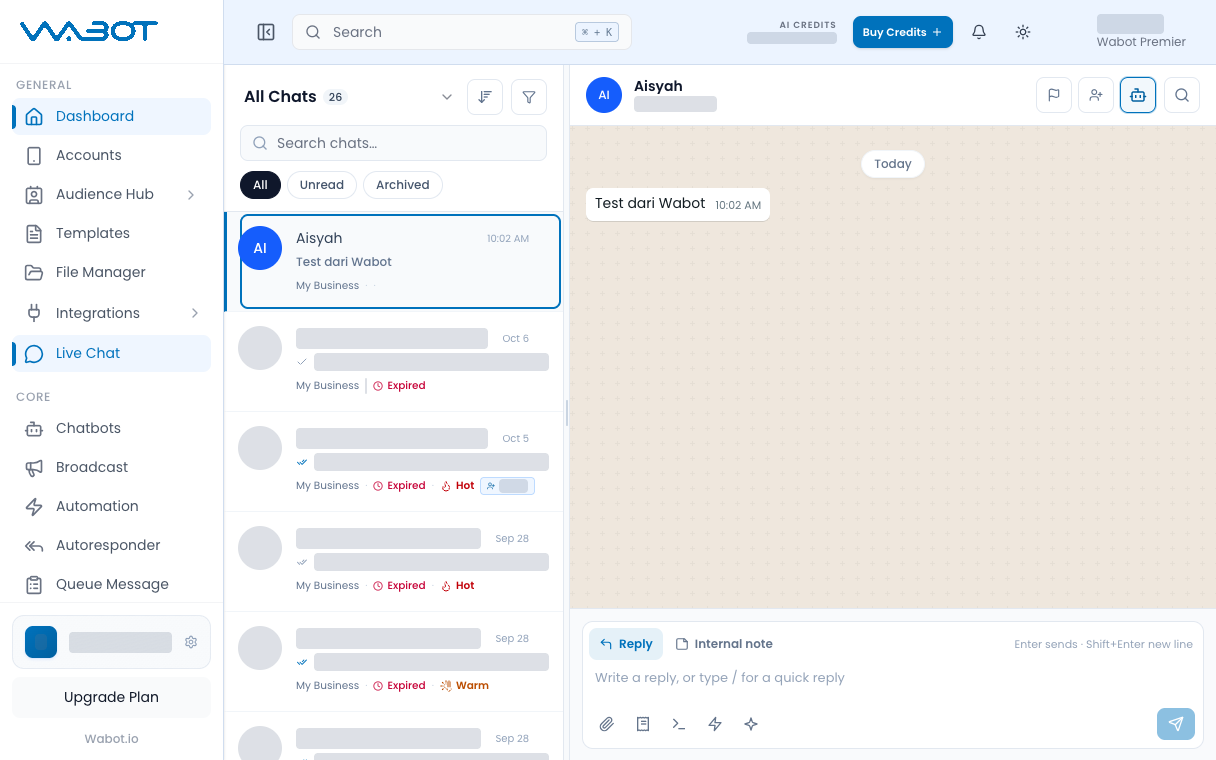
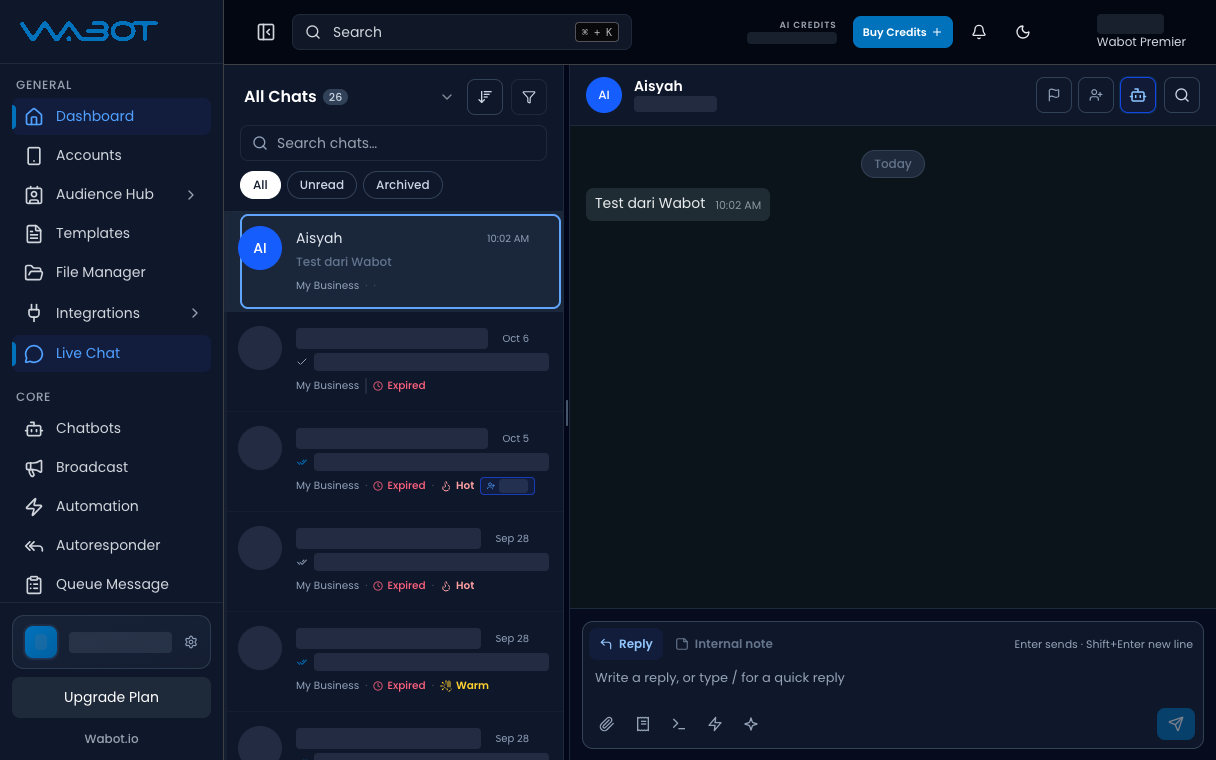
## 1. Find the conversation

On the left menu, click **Live Chat**.

Click **All** or **Unread**.

<figure class="doc-shot">
  <img class="doc-shot__light" src="/images/features/live-chat/lc-arch-find-light.png" alt="Sample conversation highlighted in the list" width="1216" height="760" loading="lazy" decoding="async" />
  <img class="doc-shot__dark" src="/images/features/live-chat/lc-arch-find-dark.png" alt="Sample conversation highlighted in the list" width="1216" height="760" loading="lazy" decoding="async" />
  <figcaption>Find the conversation in the list.</figcaption>
</figure>

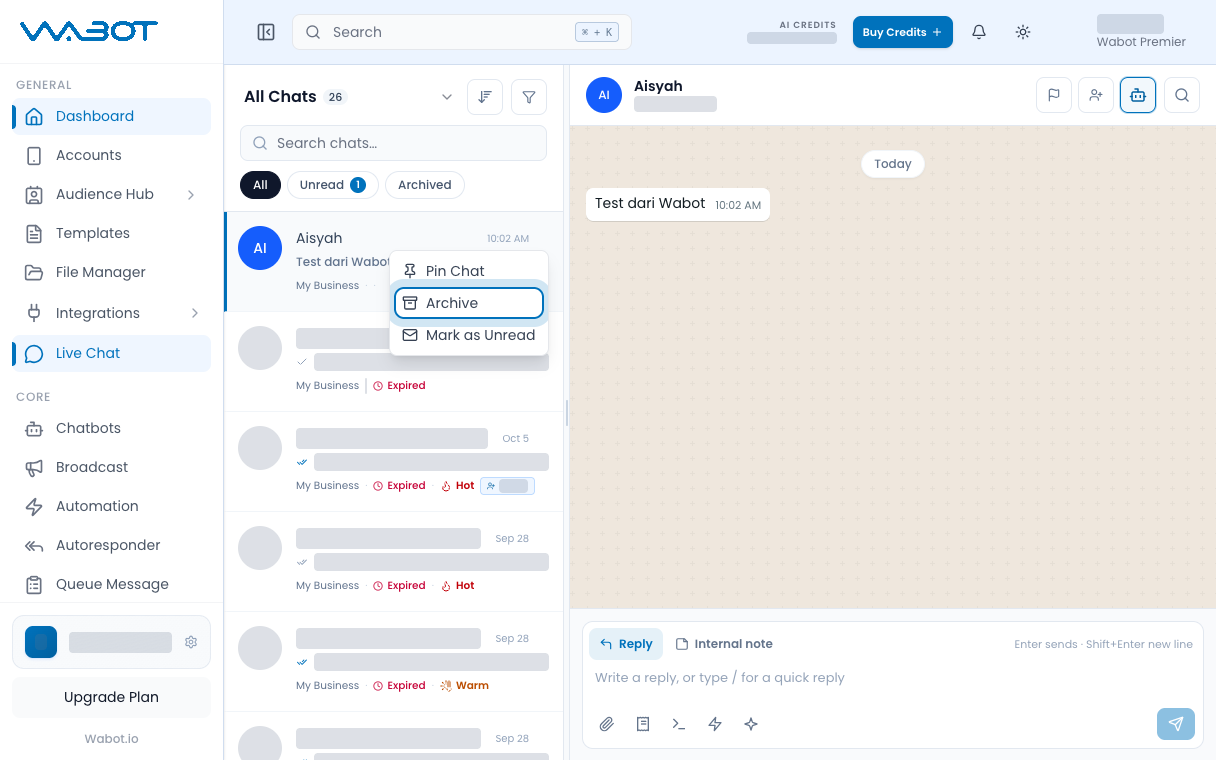
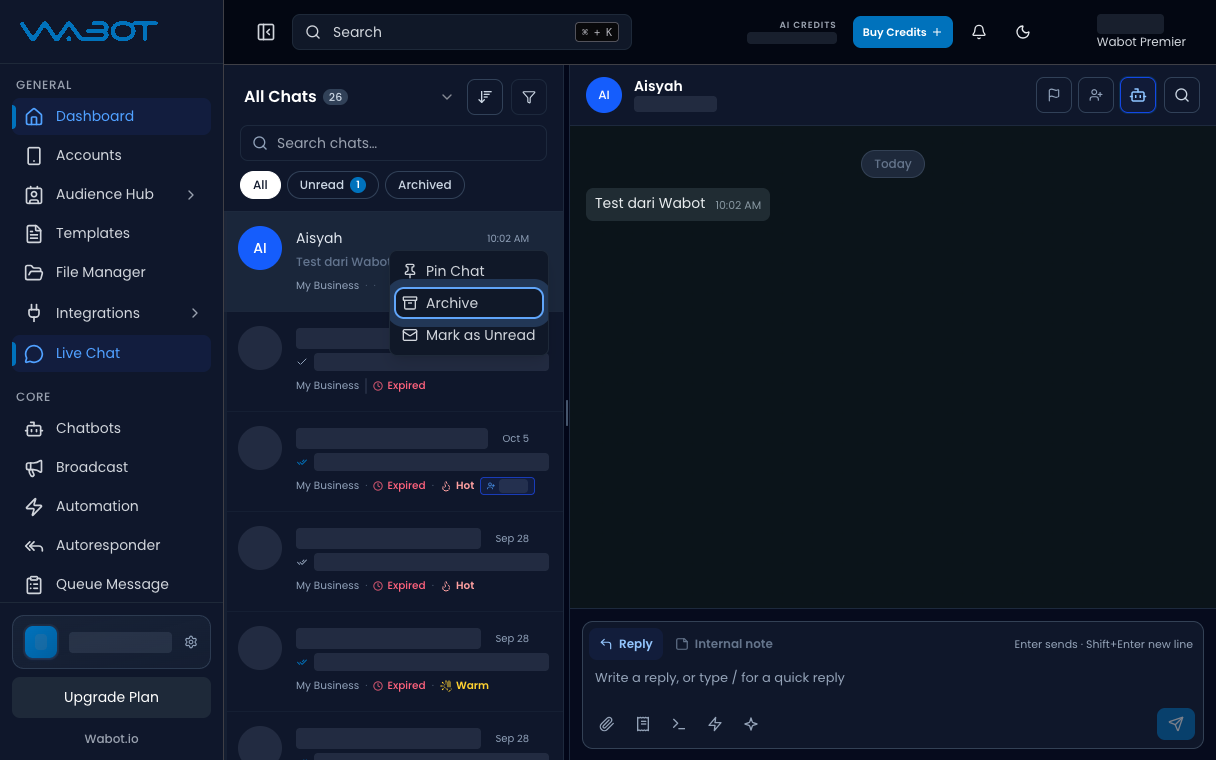
## 2. Open the conversation menu

On that conversation in the list, open the menu.

Click **Archive**.

<figure class="doc-shot">
  <img class="doc-shot__light" src="/images/features/live-chat/lc-arch-menu-light.png" alt="Conversation menu with Archive highlighted" width="1216" height="760" loading="lazy" decoding="async" />
  <img class="doc-shot__dark" src="/images/features/live-chat/lc-arch-menu-dark.png" alt="Conversation menu with Archive highlighted" width="1216" height="760" loading="lazy" decoding="async" />
  <figcaption>Open the conversation menu, then click <strong>Archive</strong>.</figcaption>
</figure>

## 3. Check Archived

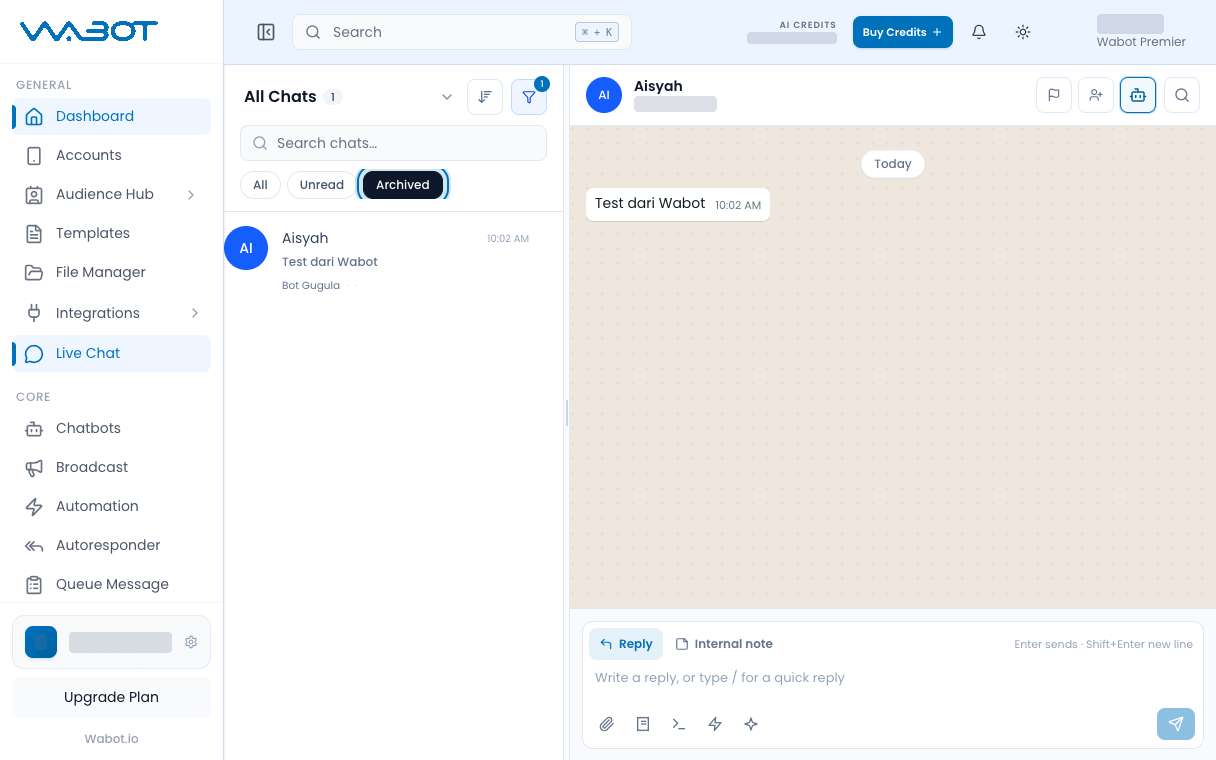
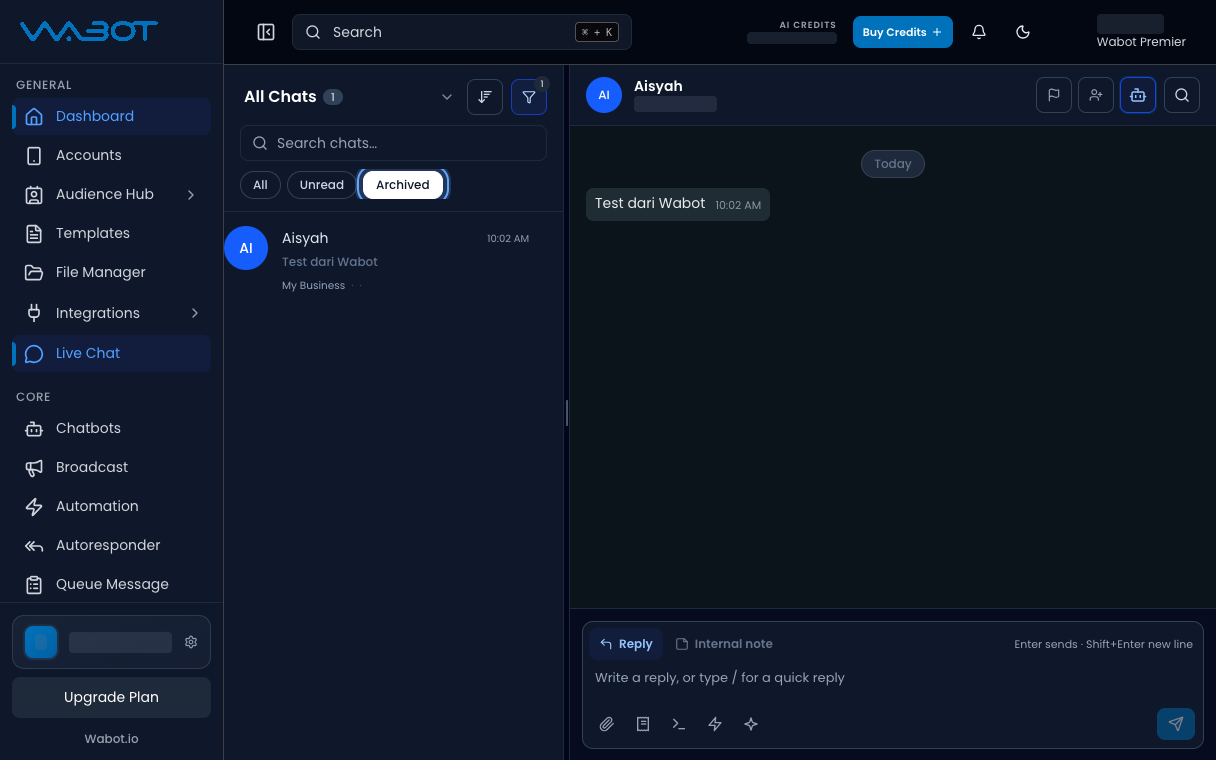
At the top of the list, click **Archived**.

Find the same thread.

<figure class="doc-shot">
  <img class="doc-shot__light" src="/images/features/live-chat/lc-archived-light.png" alt="Archived tab showing the archived conversation" width="1216" height="760" loading="lazy" decoding="async" />
  <img class="doc-shot__dark" src="/images/features/live-chat/lc-archived-dark.png" alt="Archived tab showing the archived conversation" width="1216" height="760" loading="lazy" decoding="async" />
  <figcaption>Click <strong>Archived</strong> to find it again.</figcaption>
</figure>

## Make sure it worked

The thread is not in **Unread**.

It is in **Archived**.

## If it didn’t work

### I cannot see Archive

Open the menu on the conversation in the list, not only the chat header.

### I archived the wrong thread

Open **Archived**, open that conversation menu, click **Unarchive**.

## Next

If an Official chat is locked, continue with [Reply after the 24h window expires](/features/live-chat/official-template).