---
title: Assign a conversation
description: Give one Live Chat thread to a teammate so two people do not reply at once.
sidebar:
  order: 3
---
In this tutorial, you will assign one conversation to a teammate.

**Time needed:** 5 minutes

## Before you start

Make sure:

- You can open the conversation in **Live Chat**.
- Your Wabot team has at least one other member. If you work alone, you can assign the thread to yourself as a test.

> Assign stops two staff from typing over each other on the same customer.

## 1. Open the conversation

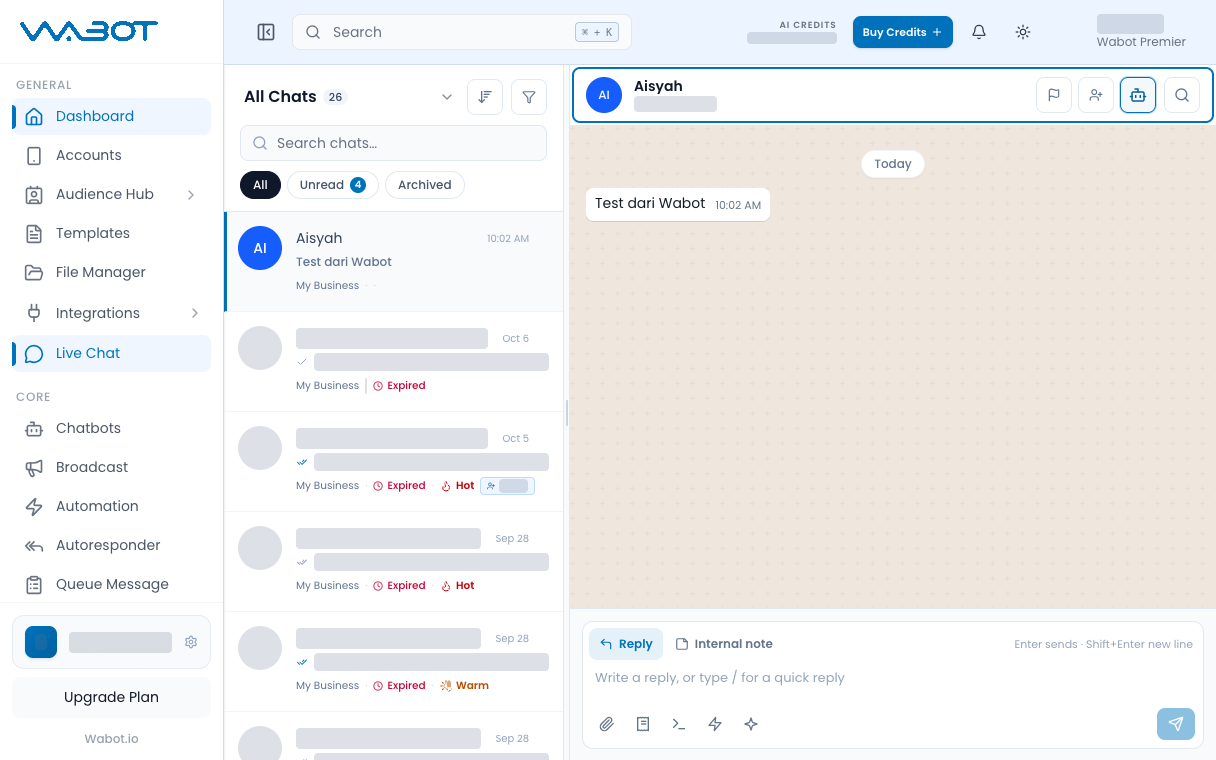
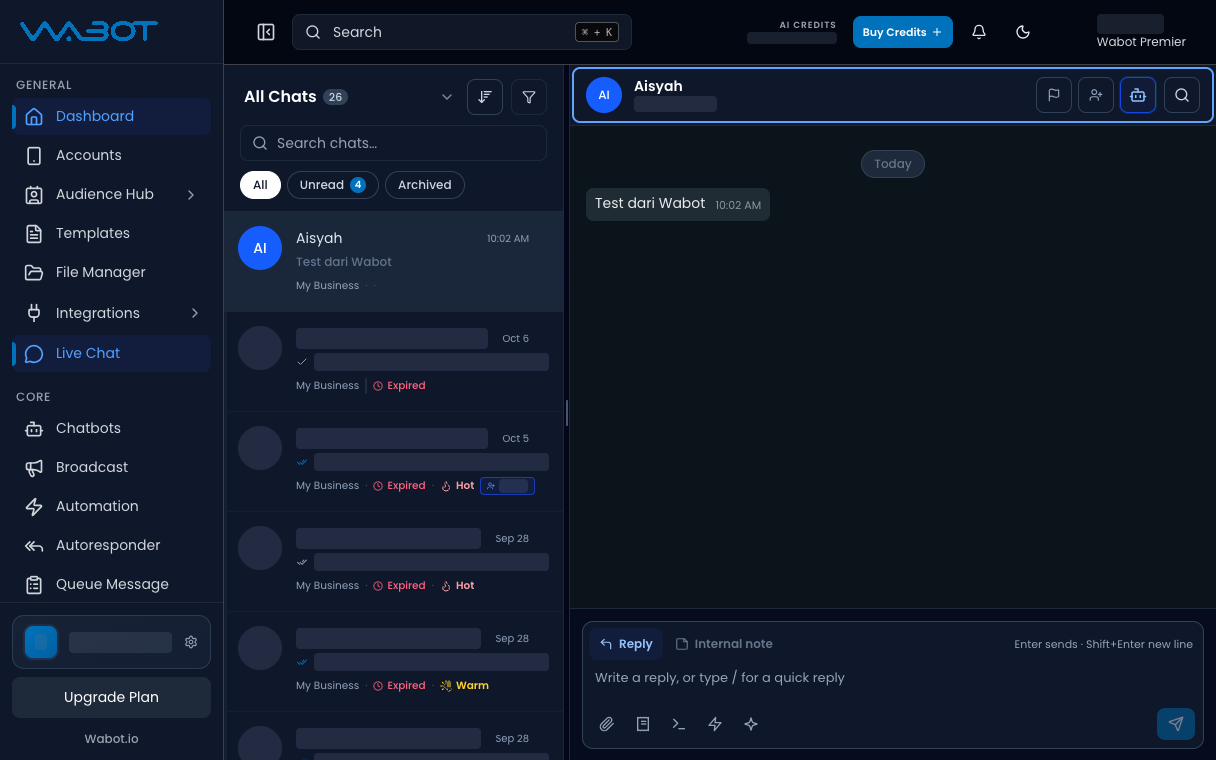
On the left menu, click **Live Chat**.

Click the thread.

<figure class="doc-shot">
  <img class="doc-shot__light" src="/images/features/live-chat/lc-open-light.png" alt="Live Chat with the sample conversation open" width="1216" height="760" loading="lazy" decoding="async" />
  <img class="doc-shot__dark" src="/images/features/live-chat/lc-open-dark.png" alt="Live Chat with the sample conversation open" width="1216" height="760" loading="lazy" decoding="async" />
  <figcaption>Open the conversation. Other chats are hidden.</figcaption>
</figure>

## 2. Open Assign

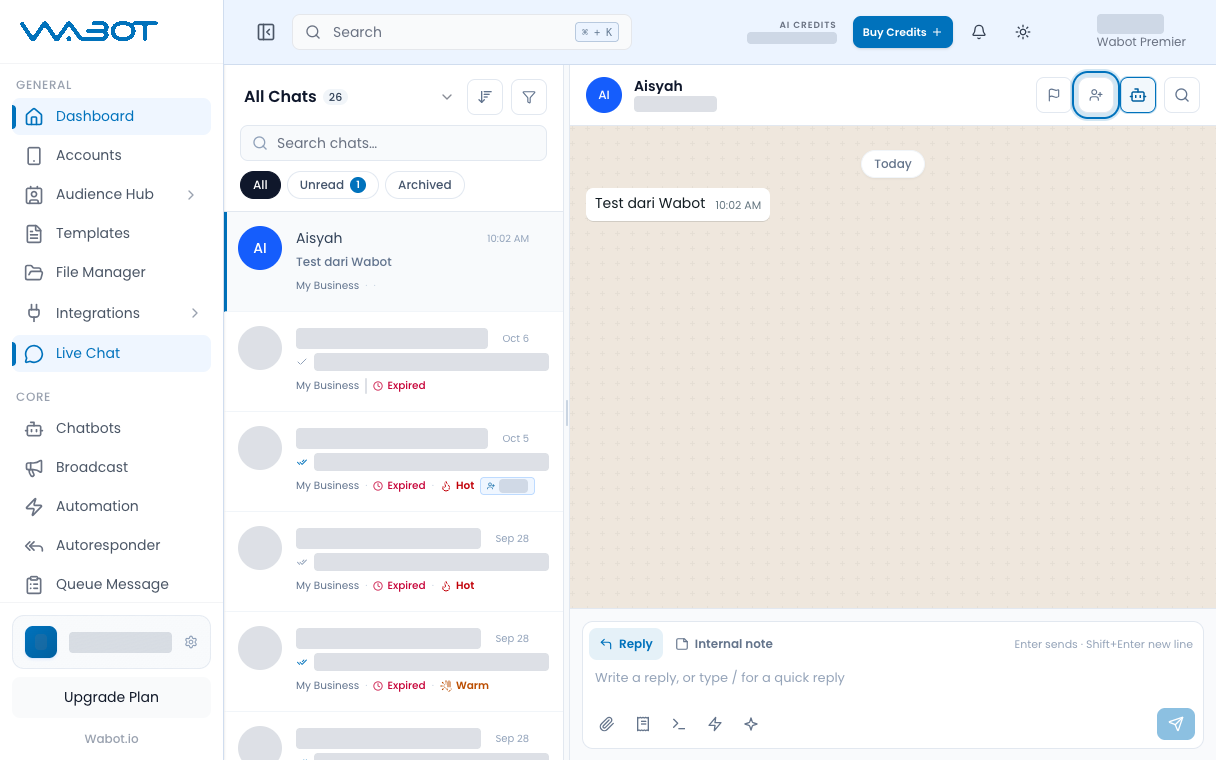
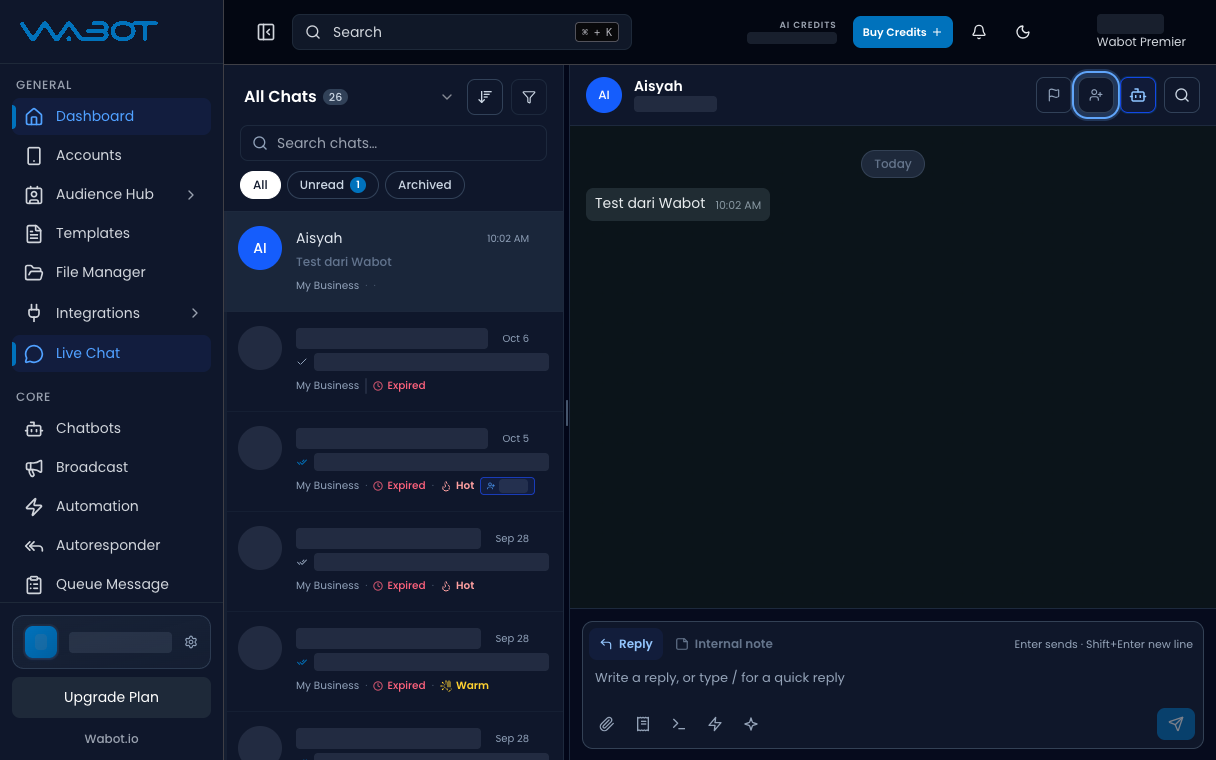
In the conversation header, click **Assign**.

The **Assign Conversation** dialog opens.

<figure class="doc-shot">
  <img class="doc-shot__light" src="/images/features/live-chat/lc-assign-btn-light.png" alt="Assign conversation button highlighted in the chat header" width="1216" height="760" loading="lazy" decoding="async" />
  <img class="doc-shot__dark" src="/images/features/live-chat/lc-assign-btn-dark.png" alt="Assign conversation button highlighted in the chat header" width="1216" height="760" loading="lazy" decoding="async" />
  <figcaption>Click the <strong>Assign</strong> icon at the top.</figcaption>
</figure>

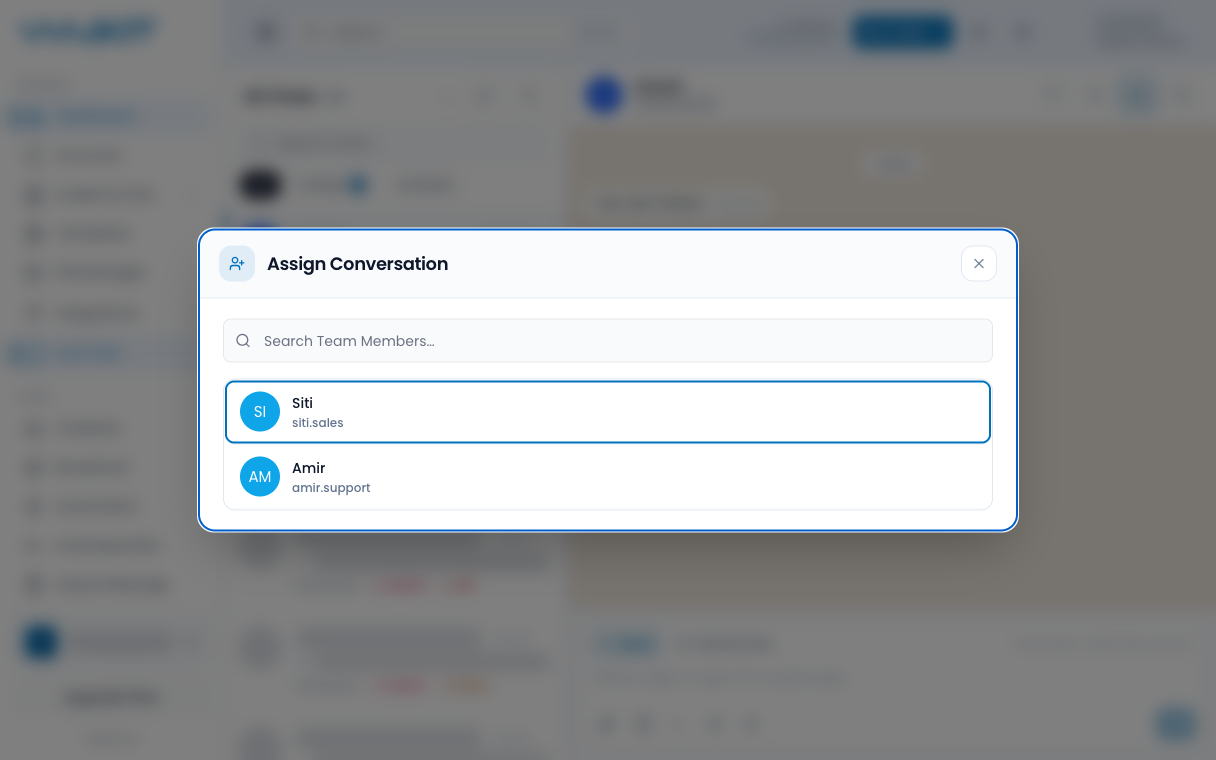
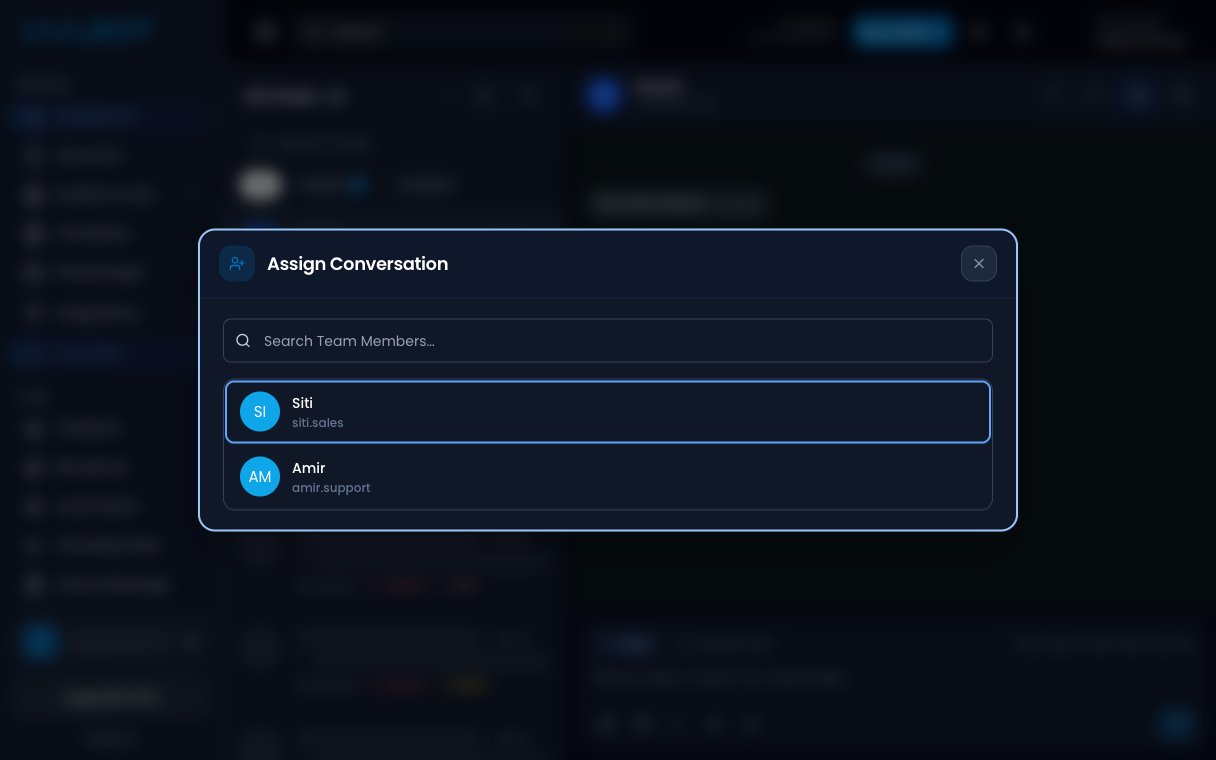
## 3. Pick a teammate

Click the teammate who should own this thread.

Wait until the dialog closes.

<figure class="doc-shot">
  <img class="doc-shot__light" src="/images/features/live-chat/lc-assign-pick-light.png" alt="Assign Conversation list with a teammate highlighted" width="1216" height="760" loading="lazy" decoding="async" />
  <img class="doc-shot__dark" src="/images/features/live-chat/lc-assign-pick-dark.png" alt="Assign Conversation list with a teammate highlighted" width="1216" height="760" loading="lazy" decoding="async" />
  <figcaption>Pick a teammate. Sample names shown.</figcaption>
</figure>

## Make sure it worked

The header shows the teammate name, not **Assign**.

Other staff can see who owns the thread.

## If it didn’t work

### I cannot see Assign

Your login may not include assign permission. Ask the account owner.

### The teammate list is empty

Add the person to your Wabot team first, then open **Assign Conversation** again.

## Next

Leave context for the next staff in [Add an internal note](/features/live-chat/note).