---
title: Tambah tool Leads Forwarder
description: >-
  Cipta Custom Tool Leads Forwarder supaya lead baharu dihantar ke nombor
  WhatsApp anda.
sidebar:
  order: 6
---
Dalam tutorial ini, anda akan tambah satu tool **Leads Forwarder** dan hantar lead ke nombor WhatsApp sendiri.

**Masa diperlukan:** 10 minit

## Sebelum mula

Pastikan:

- Instance ini pada **AI**. Tab **Tools** tersembunyi dalam mod Keyword.
- Anda sudah ada Default Reply AI. Jika tidak, habiskan [Cipta Default Reply AI](/ms/features/chatbots/ai-default) dahulu.
- Anda tahu nombor WhatsApp yang patut terima lead.

> Tulis nombor dengan kod negara, tanpa `+`, tanpa jarak.

> **Betul:** `60123456789`

> **Salah:** `+60 12-345 6789`

## 1. Buka Tools

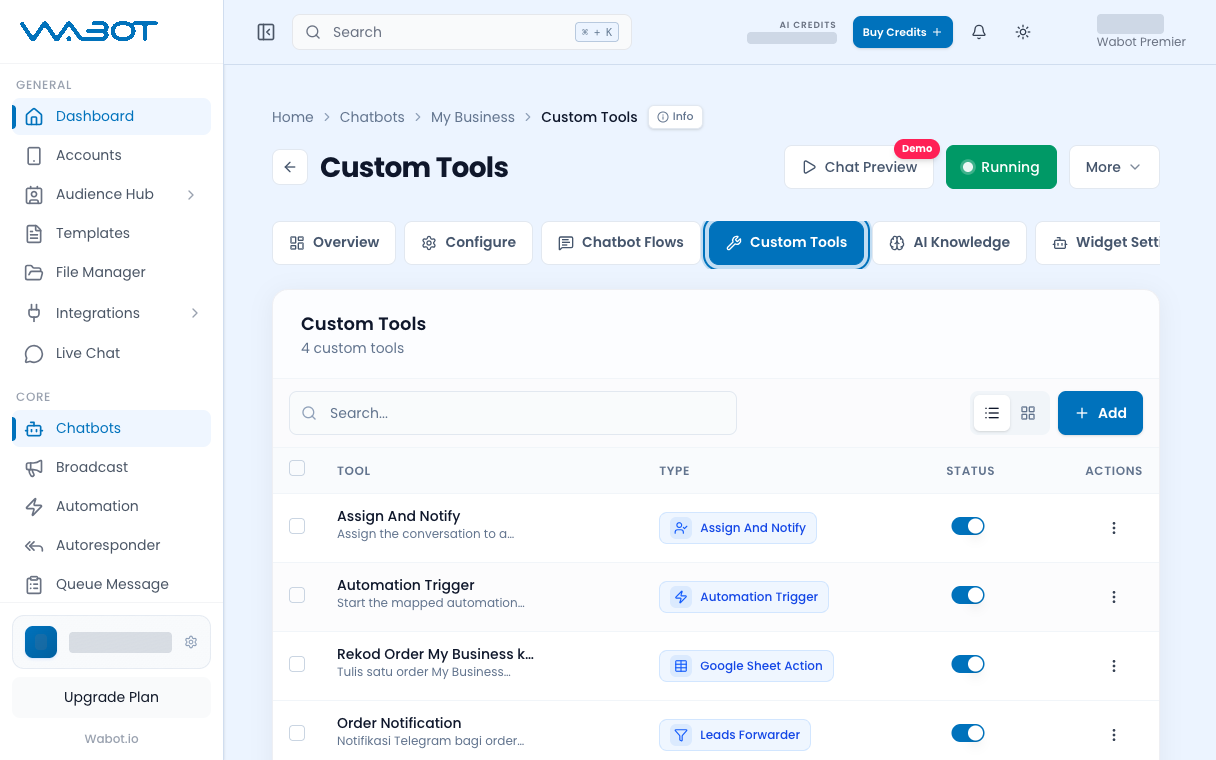
Pada halaman instance, buka **Chatbots & Tools**.

Klik tab **Tools**.

<figure class="doc-shot">
  <img class="doc-shot__light" src="/images/features/chatbots/cb-tools-tab-light.png" alt="Tab Custom Tools ditanda" width="1216" height="760" loading="lazy" decoding="async" />
  <img class="doc-shot__dark" src="/images/features/chatbots/cb-tools-tab-dark.png" alt="Tab Custom Tools ditanda" width="1216" height="760" loading="lazy" decoding="async" />
  <figcaption>Buka tab <strong>Custom Tools</strong>, kemudian klik <strong>Add</strong>.</figcaption>
</figure>

## 2. Pilih Leads Forwarder

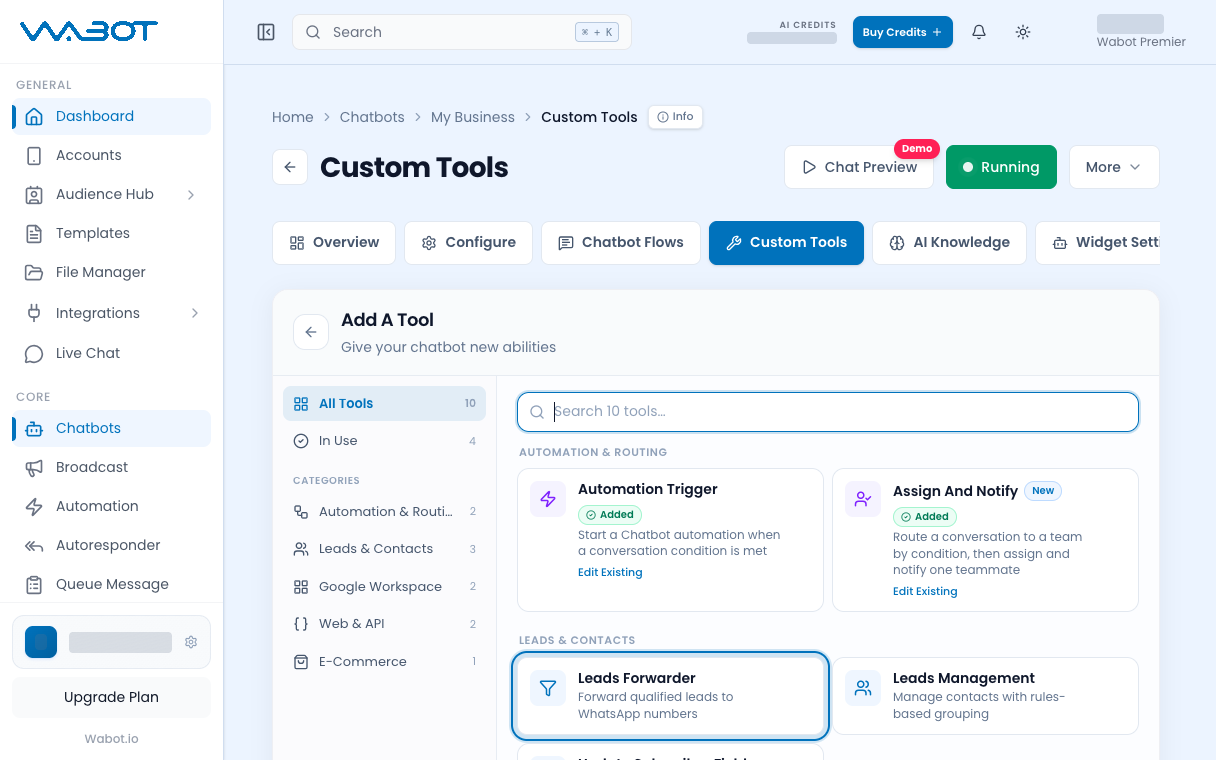
Klik **New Tool**.

Dalam **Select Tool Type**, klik **Leads Forwarder**.

<figure class="doc-shot">
  <img class="doc-shot__light" src="/images/features/chatbots/cb-tooltype-light.png" alt="Add A Tool dengan Leads Forwarder ditanda" width="1216" height="760" loading="lazy" decoding="async" />
  <img class="doc-shot__dark" src="/images/features/chatbots/cb-tooltype-dark.png" alt="Add A Tool dengan Leads Forwarder ditanda" width="1216" height="760" loading="lazy" decoding="async" />
  <figcaption>Pilih <strong>Leads Forwarder</strong>.</figcaption>
</figure>

## 3. Namakan tool

Dalam **Leads Forwarder Settings**:

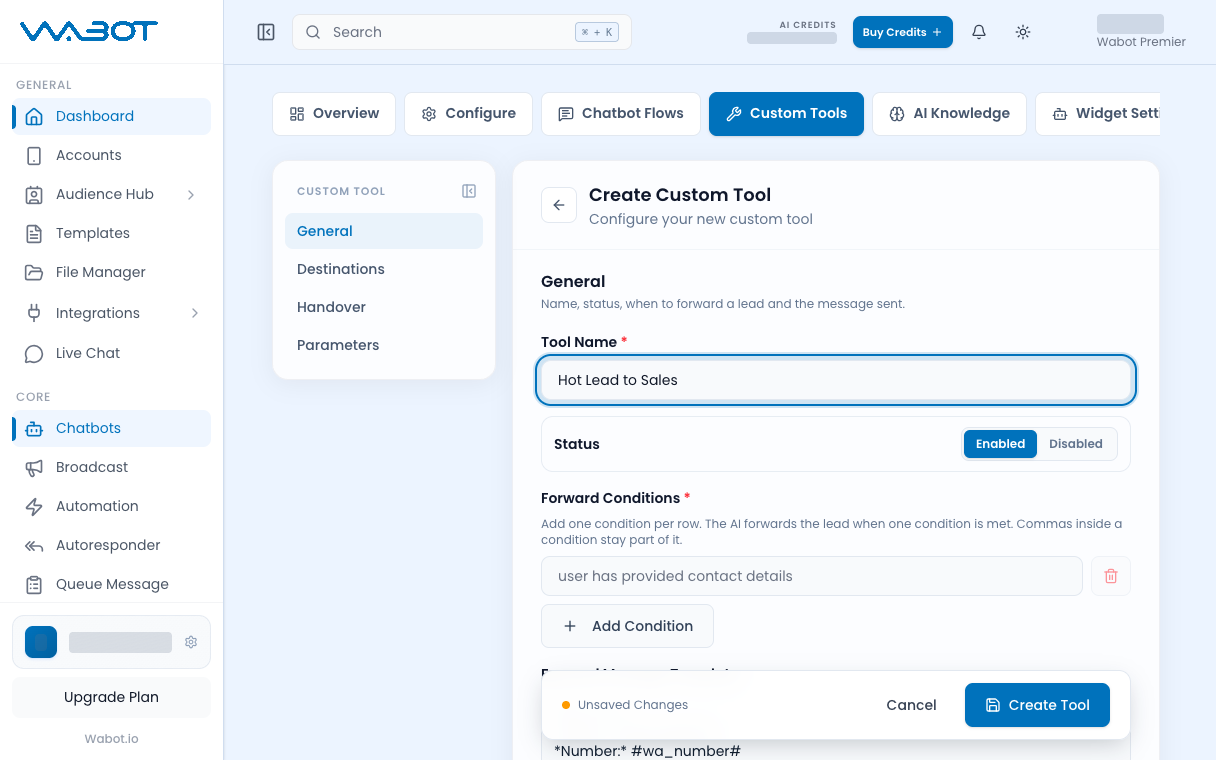
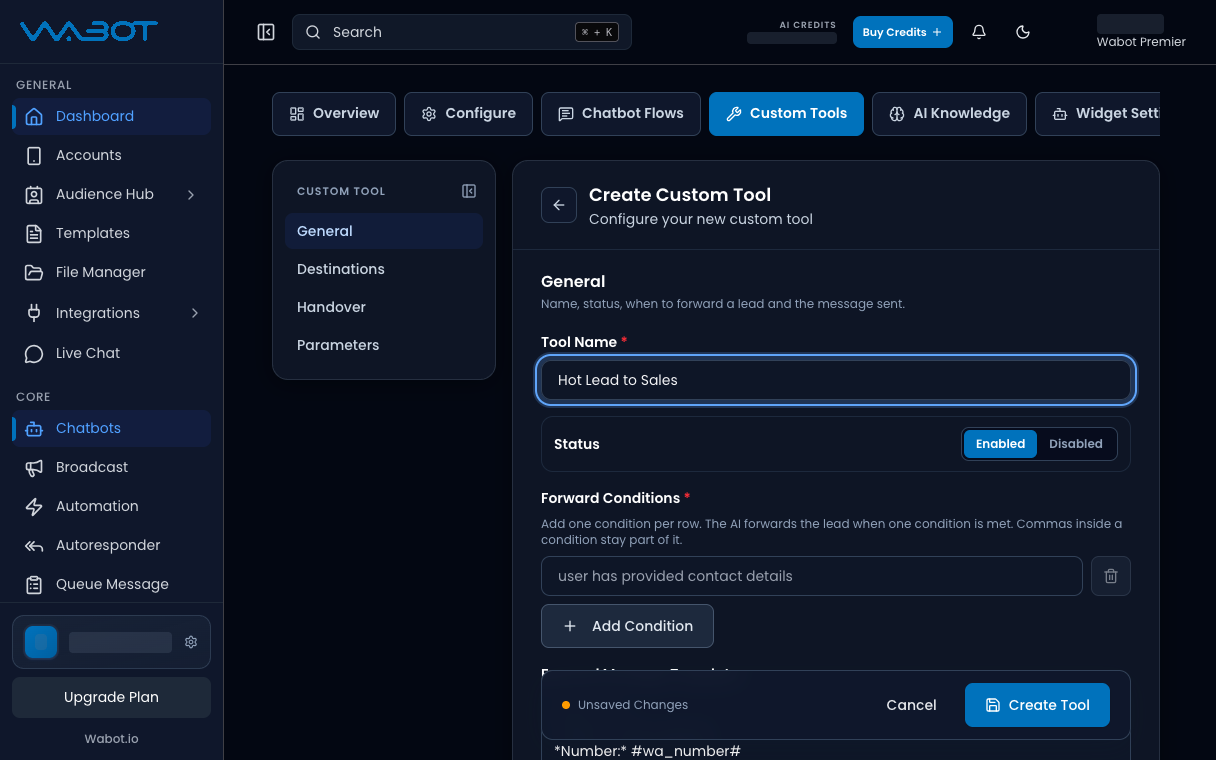
1. Masukkan **Tool Name**.

**Contoh:** `Lead ke bos`

2. Biarkan **Status** pada **Enable**.

<figure class="doc-shot">
  <img class="doc-shot__light" src="/images/features/chatbots/cb-tool-name-light.png" alt="Medan Tool Name dengan nama contoh" width="1216" height="760" loading="lazy" decoding="async" />
  <img class="doc-shot__dark" src="/images/features/chatbots/cb-tool-name-dark.png" alt="Medan Tool Name dengan nama contoh" width="1216" height="760" loading="lazy" decoding="async" />
  <figcaption>Beri nama tool. Nama contoh ditunjukkan.</figcaption>
</figure>

## 4. Tetapkan penerima WhatsApp

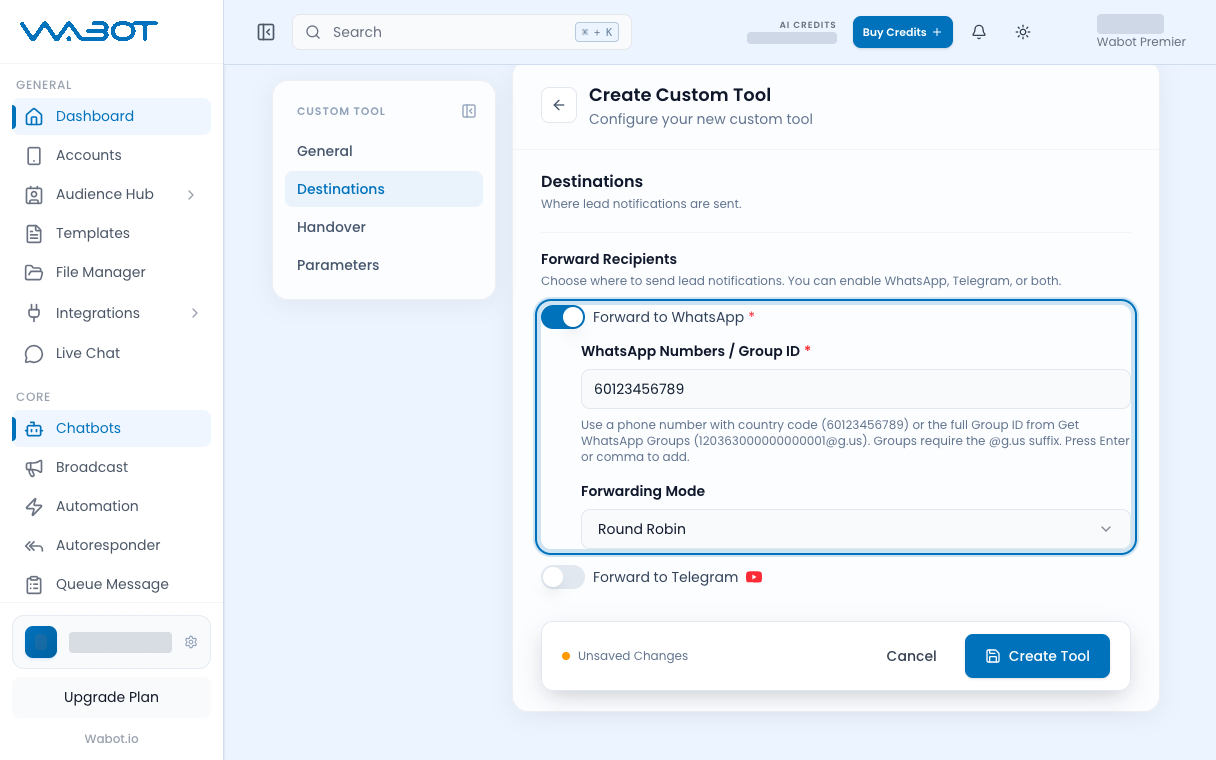
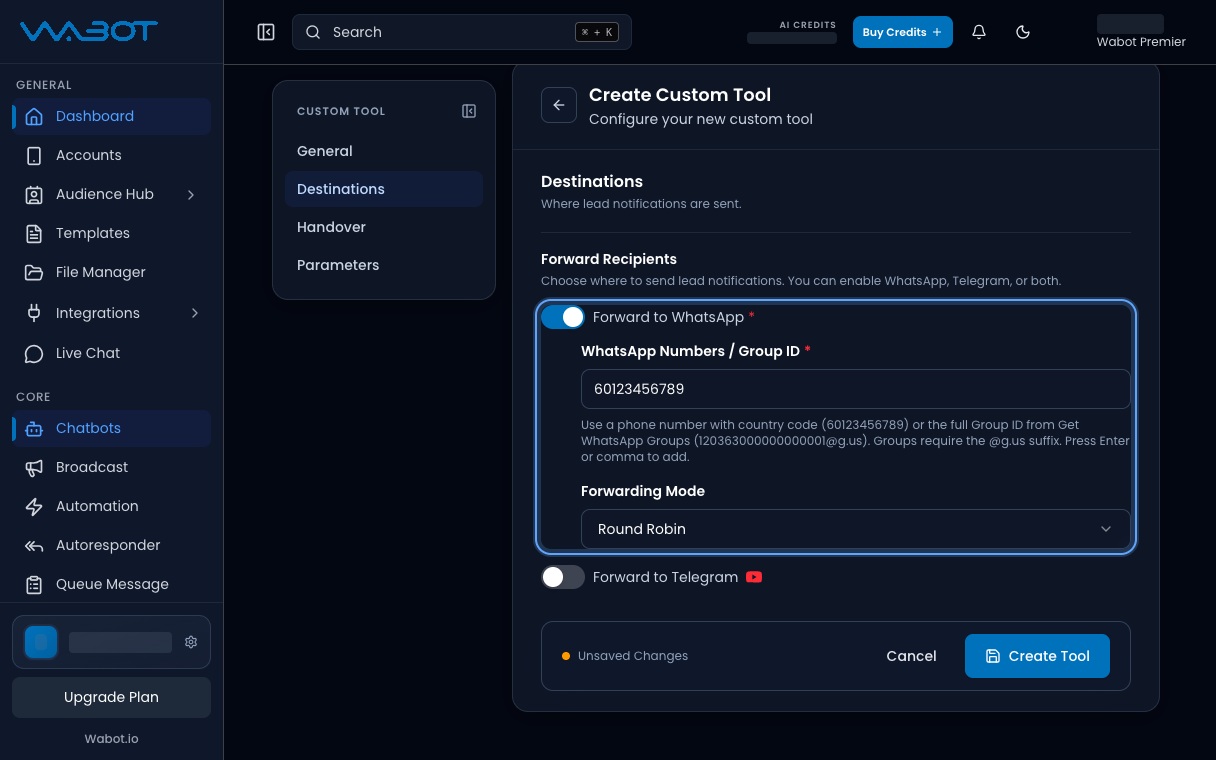
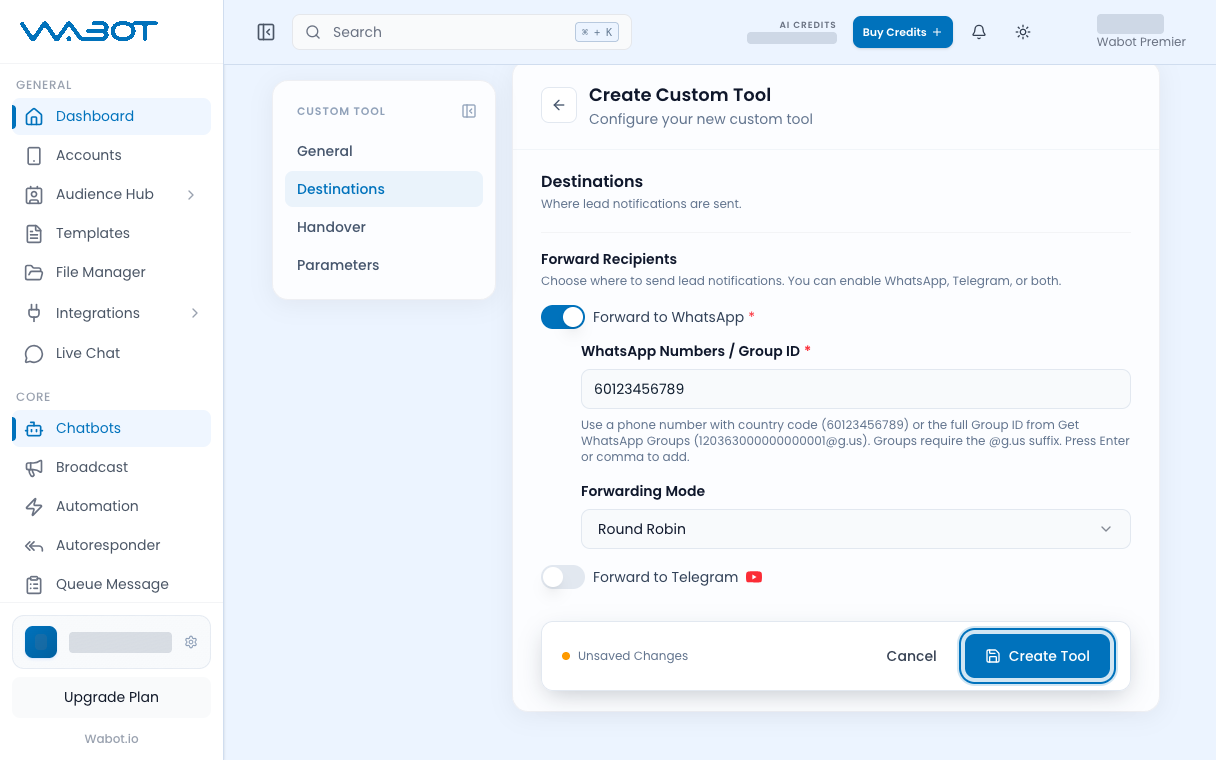
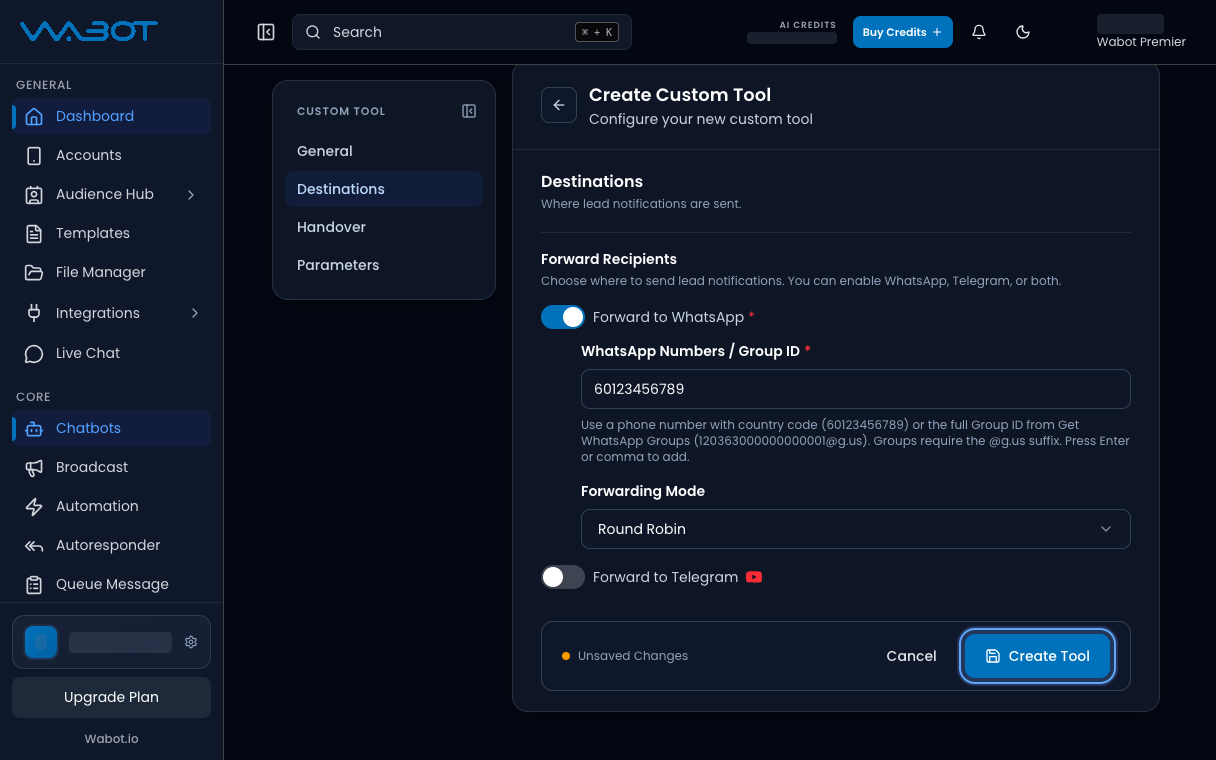
Di bawah **Forward Recipients**, hidupkan **Forward to WhatsApp**.

Dalam **WhatsApp Numbers / Group ID**, tambah nombor anda.

**Contoh:** `60123456789`

<figure class="doc-shot">
  <img class="doc-shot__light" src="/images/features/chatbots/cb-tool-forward-light.png" alt="Destinations dengan Forward to WhatsApp dihidupkan dan nombor contoh" width="1216" height="760" loading="lazy" decoding="async" />
  <img class="doc-shot__dark" src="/images/features/chatbots/cb-tool-forward-dark.png" alt="Destinations dengan Forward to WhatsApp dihidupkan dan nombor contoh" width="1216" height="760" loading="lazy" decoding="async" />
  <figcaption>Di <strong>Destinations</strong>, hidupkan <strong>Forward to WhatsApp</strong> dan tambah nombor.</figcaption>
</figure>

## 5. Simpan tool

Klik **Create Tool**.

<figure class="doc-shot">
  <img class="doc-shot__light" src="/images/features/chatbots/cb-tool-create-light.png" alt="Butang Create Tool ditanda" width="1216" height="760" loading="lazy" decoding="async" />
  <img class="doc-shot__dark" src="/images/features/chatbots/cb-tool-create-dark.png" alt="Butang Create Tool ditanda" width="1216" height="760" loading="lazy" decoding="async" />
  <figcaption>Klik <strong>Create Tool</strong>.</figcaption>
</figure>

## Pastikan ia berjaya

**Leads Forwarder** muncul dalam senarai **Tools** dengan **Enable**.

Tanya soalan ujian yang kongsikan nama atau nombor telefon. Nombor penerima patut dapat notis lead.

## Kalau tak jadi

### Saya tak nampak Tools

Instance masih **Keyword**. Habiskan [Hidupkan mod AI](/ms/features/chatbots/ai-mode) dahulu.

### Create Tool disekat

**Forward to WhatsApp** mati, atau nombor ada `+` atau jarak. Betulkan nombor, kemudian simpan semula.

## Seterusnya

Ajar bot fakta kedai anda dalam [Latih AI Knowledge](/ms/features/chatbots/knowledge).