
Add a STOP chatbot item
Create a second keyword item that replies when the customer sends STOP.
In this tutorial, you will add a second New Chatbot item for the word STOP.
Time needed: 8 minutes
Before you start
Make sure:
- This instance is still on Keyword.
- You already have one keyword item. If not, finish Create a keyword chatbot item first.
Default Reply is only for AI mode. In Keyword mode, every reply needs its own keyword.
STOPis that second item.
1. Open Chatbots & Tools
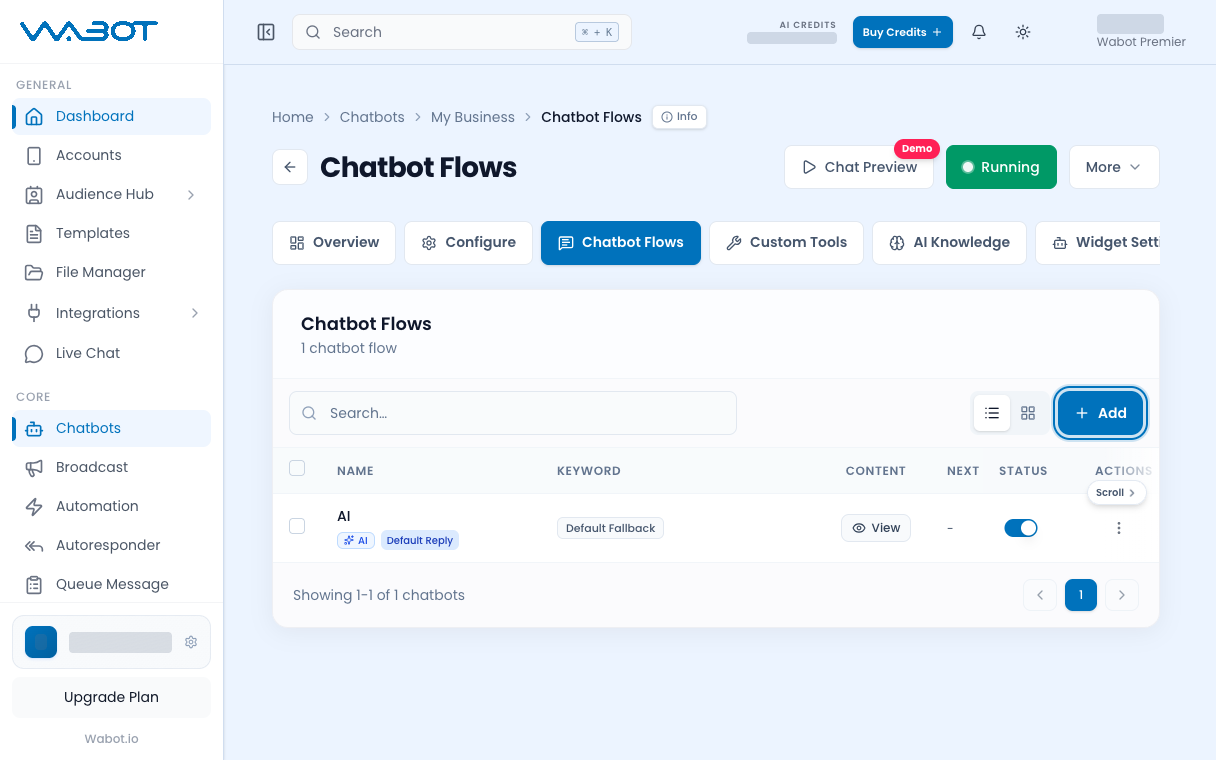
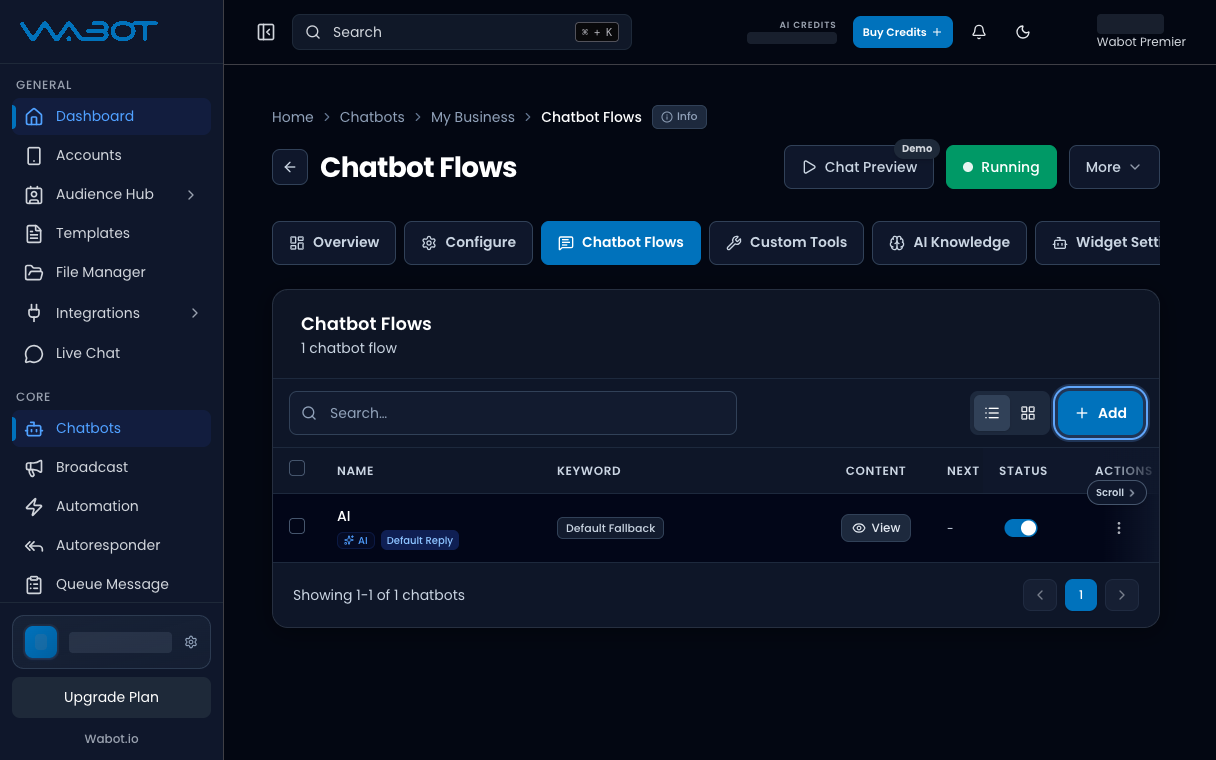
On the instance page, open Chatbots & Tools.
Click New Chatbot.
2. Name the item
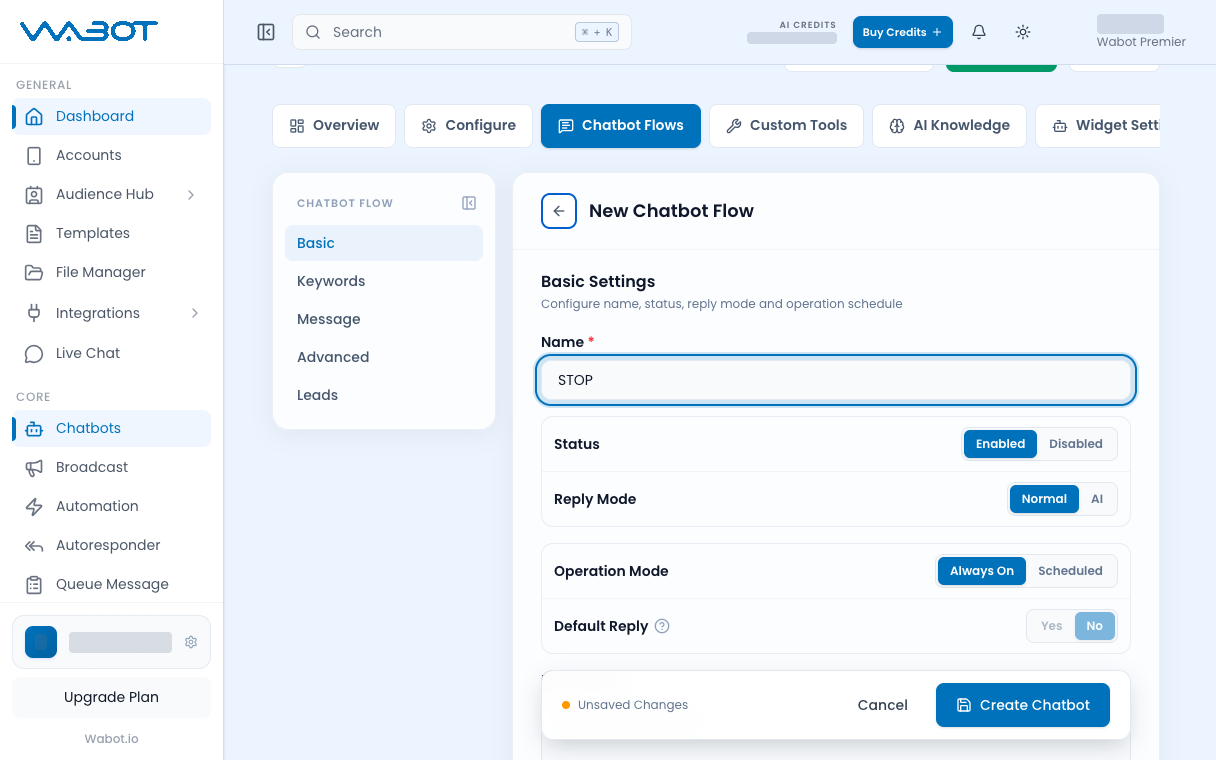
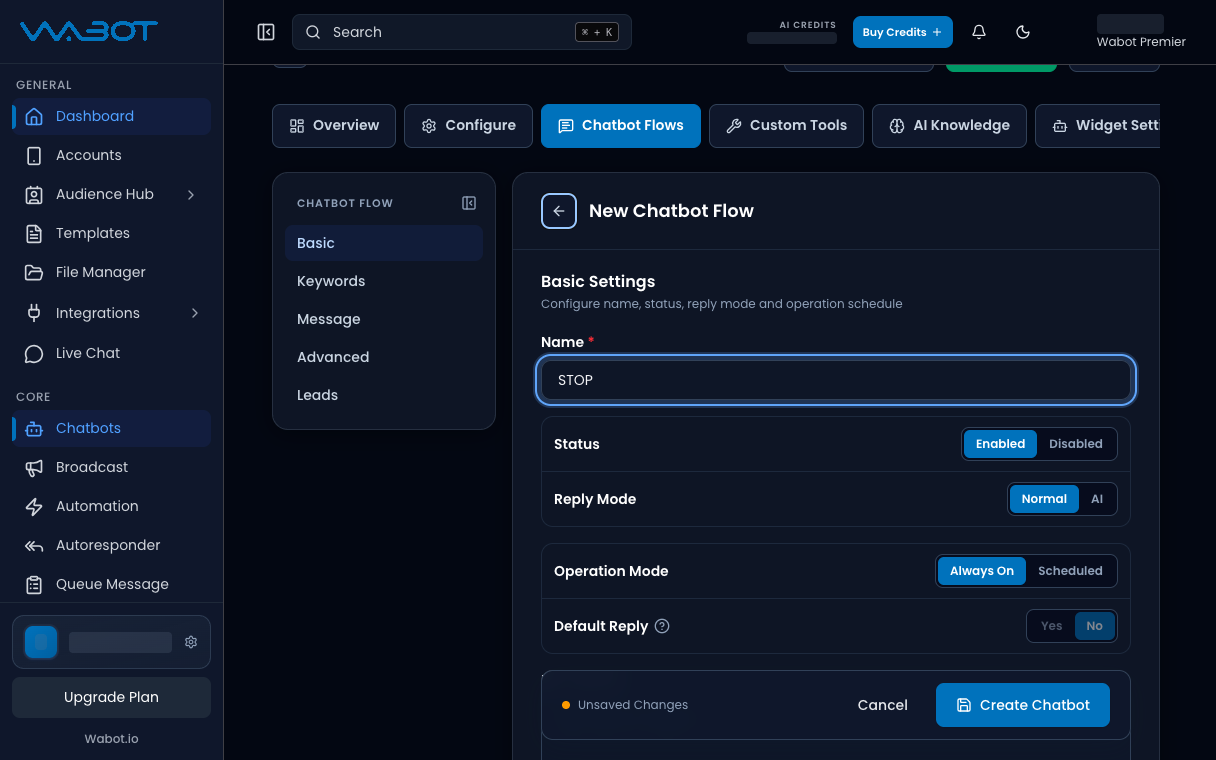
In Basic Settings:
- Enter Name as
STOP. - Leave Status on Enable.
- Leave Reply Mode on Normal.
3. Use Exact Match
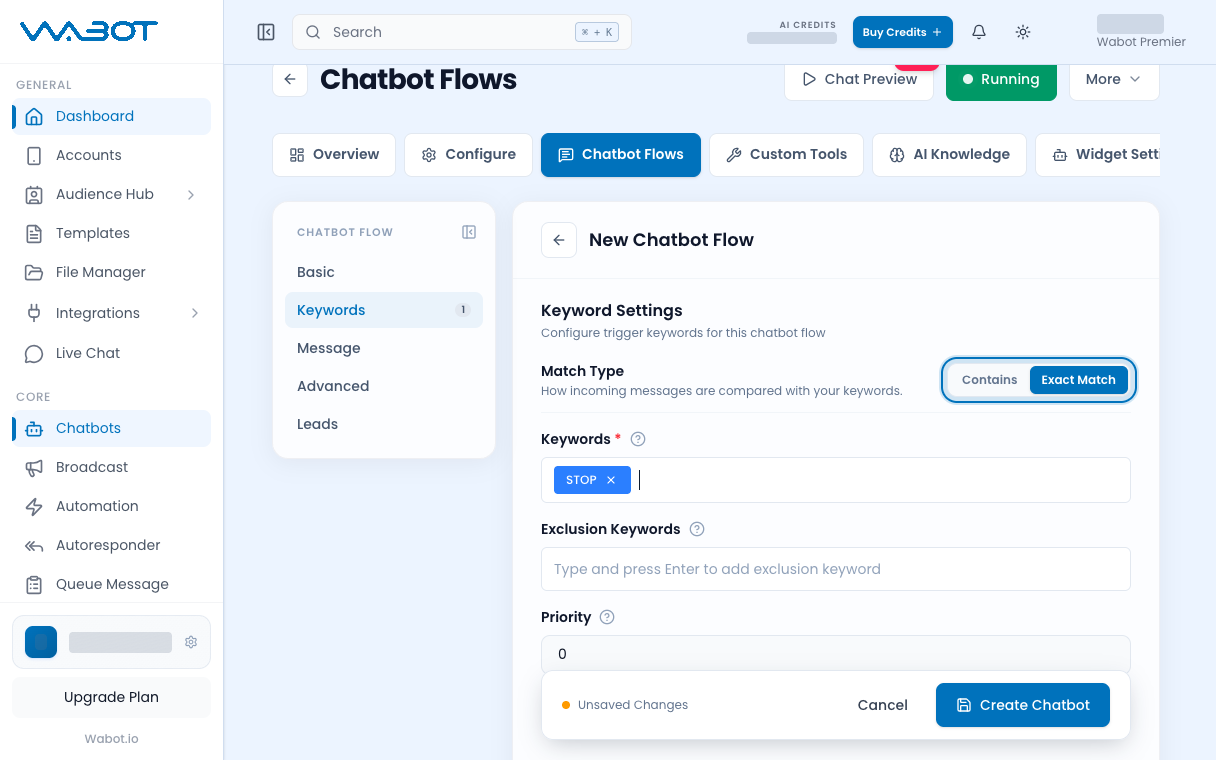
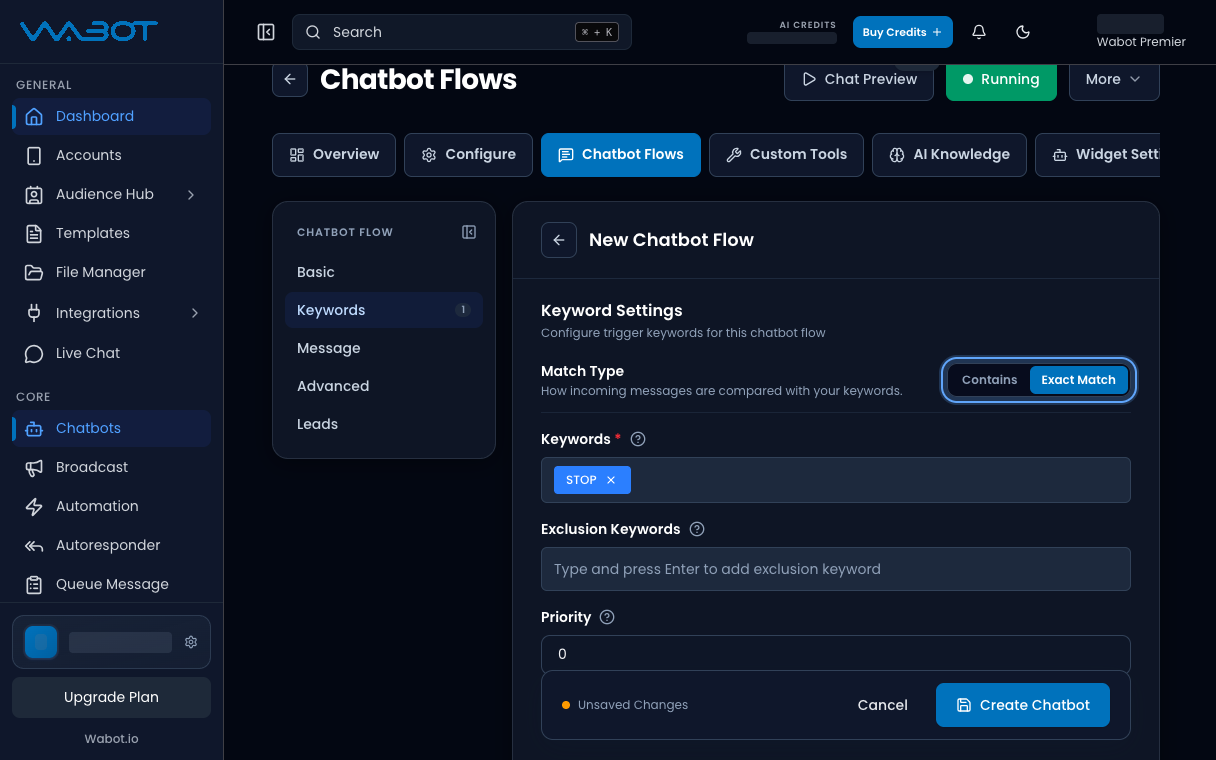
Open Keyword Settings.
- Set Match Type to Exact Match.
- In Keywords, add
STOP.
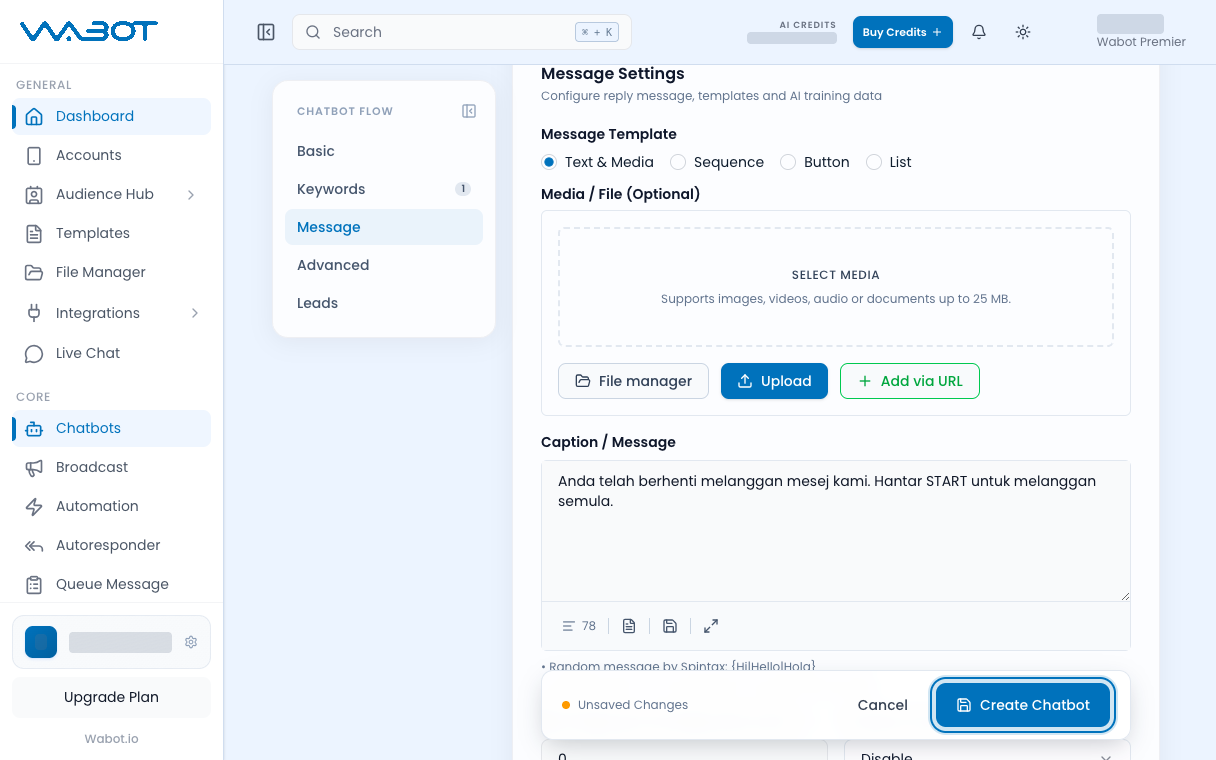
4. Write the STOP reply
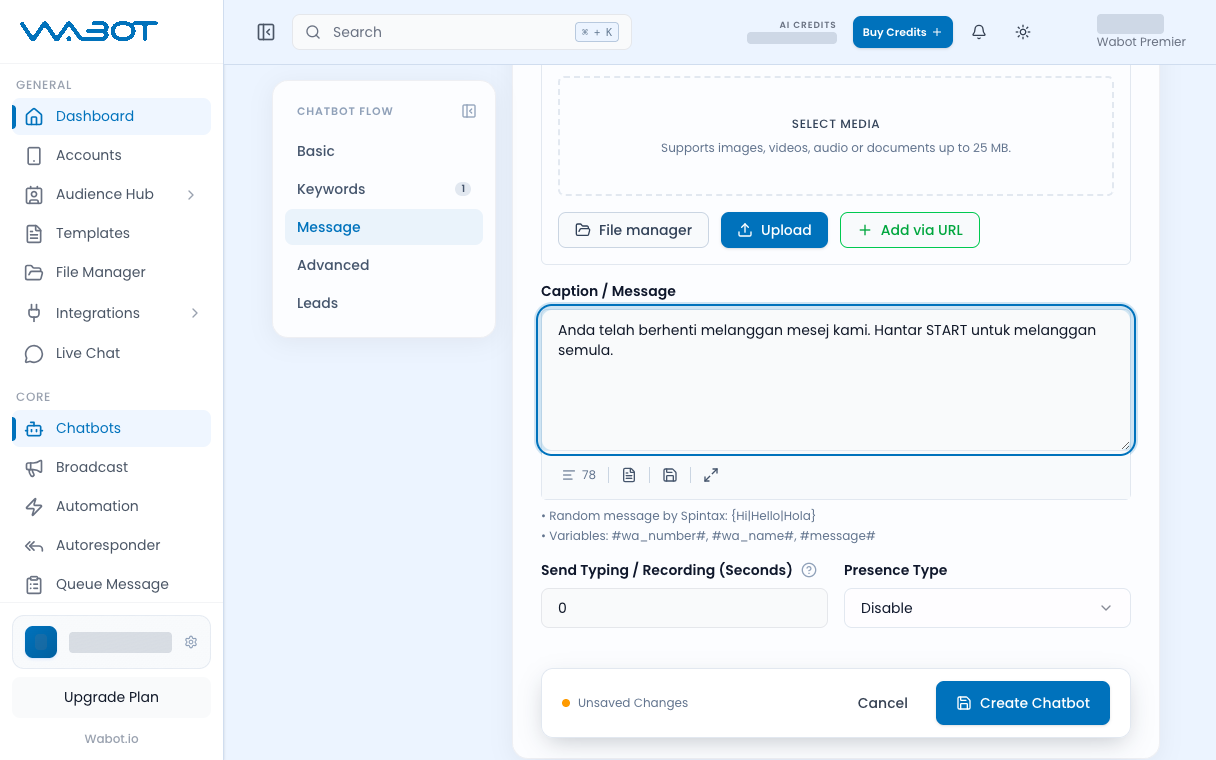
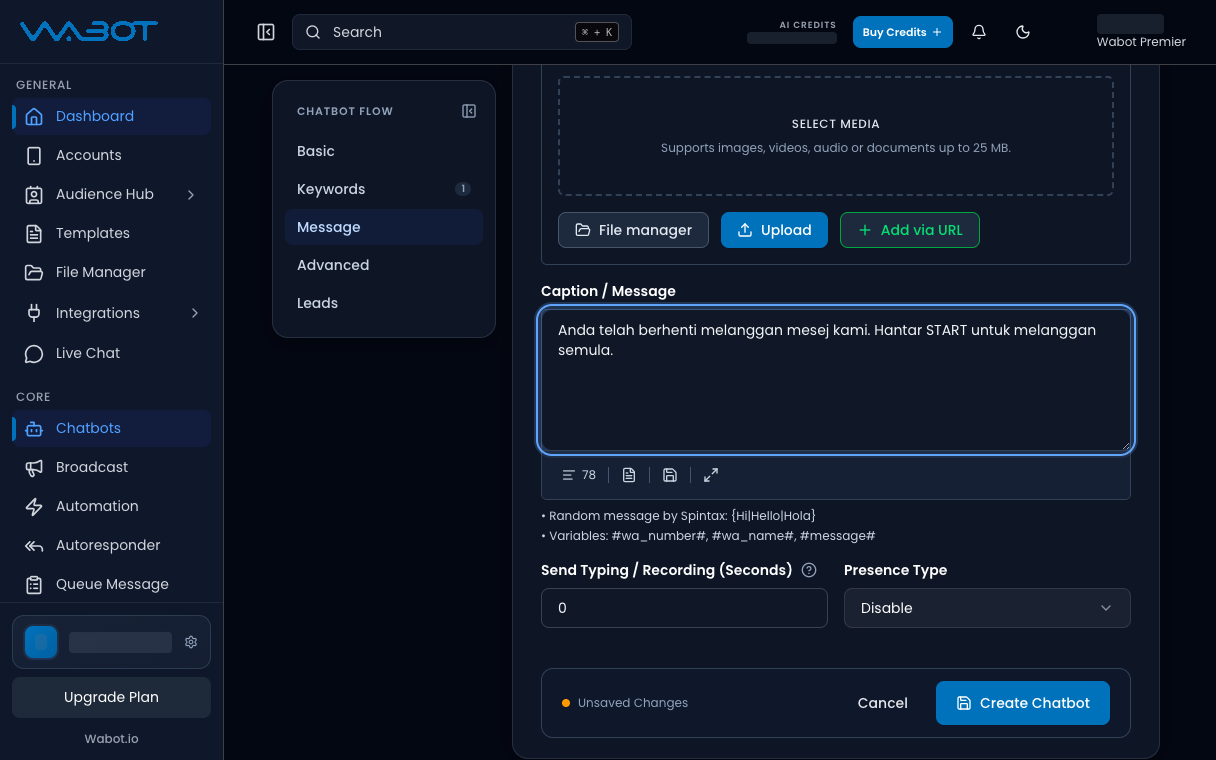
Write a short text reply.
Anda telah berhenti dari mesej automatik kami. Terima kasih.
5. Save the item
Click Create Chatbot.
Make sure it worked
Two items now show in Chatbots & Tools: your first keyword and STOP.
From your phone, send STOP. You should get the stop message, not the harga reply.
If it didn’t work
I get the harga reply
Match Type is still Contains, or the word is not exactly STOP. Change it to Exact Match and save again.
Default Reply will not turn on
That is correct. Default Reply stays off in Keyword mode. Use another keyword item instead.
Next
Keyword setup is done. If you want the bot to answer in its own words, start the other path: Turn on AI mode.