
Send your first message
WhatsApp your connected number from your own phone, then reply in Live Chat.
In this tutorial, you will send one test chat to your connected number and reply in Live Chat.
Time needed: 8 minutes
Before you start
Make sure:
- The WhatsApp account in Accounts shows Online.
- You have another WhatsApp to send the test — a second phone, a staff phone, or WhatsApp Web as the customer.
If WhatsApp is not connected yet, finish Connect Unofficial API or Connect Official API first.
1. Send from your phone
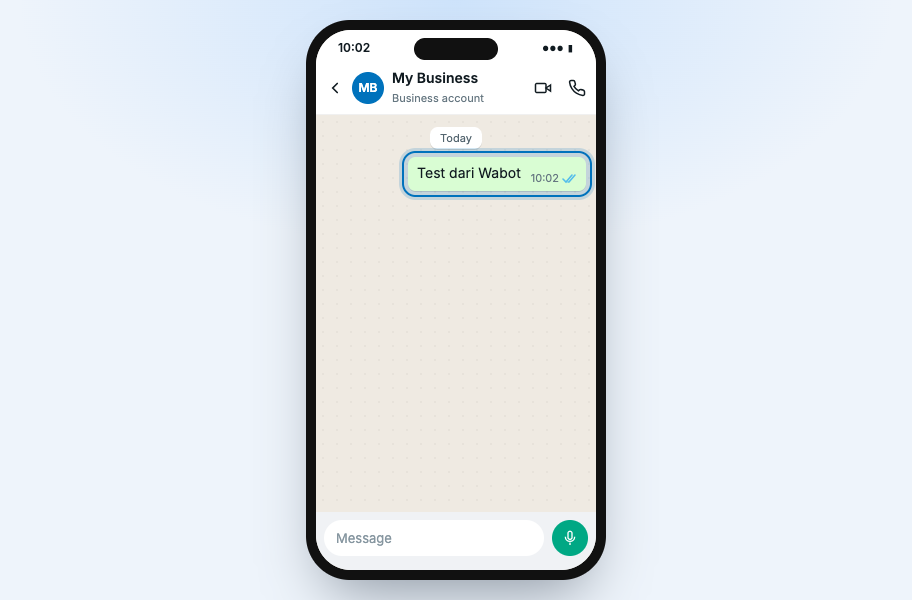
On another WhatsApp, send a short text to the connected business number.
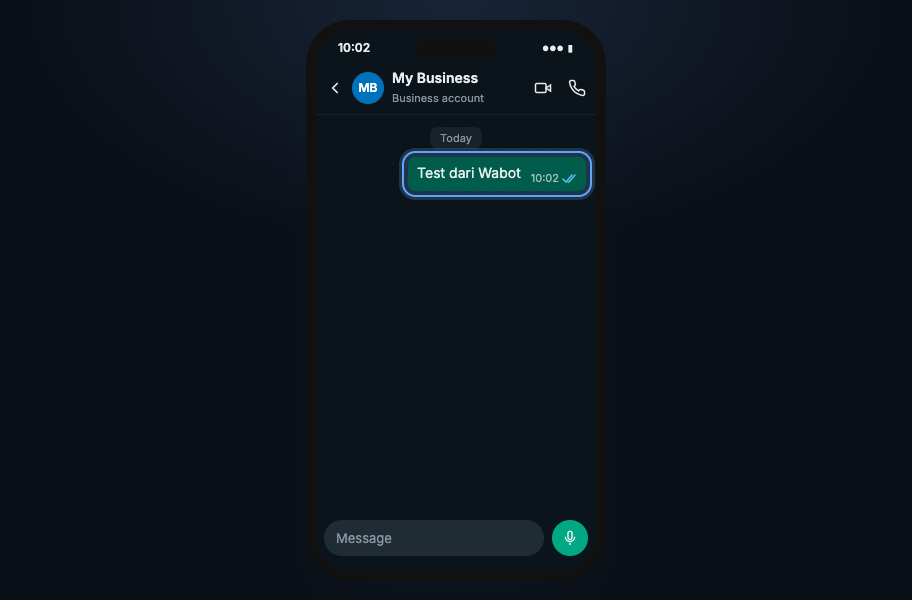
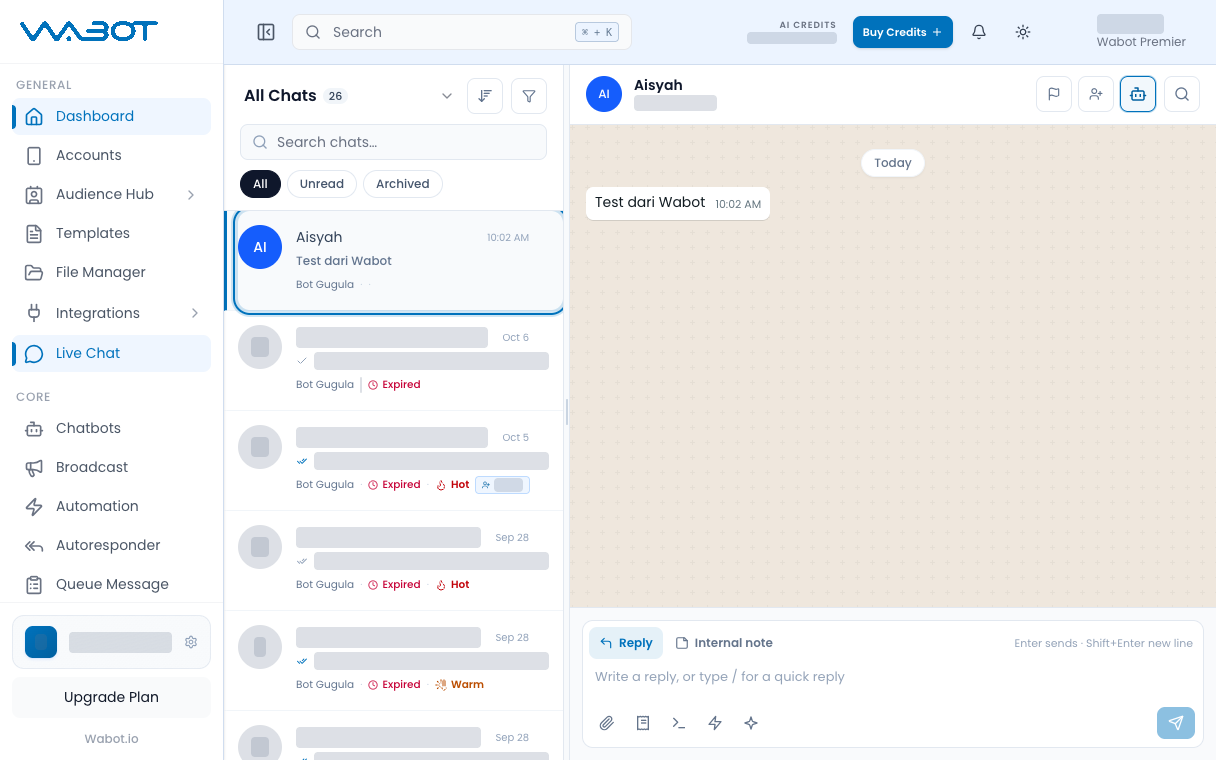
Test dari Wabot
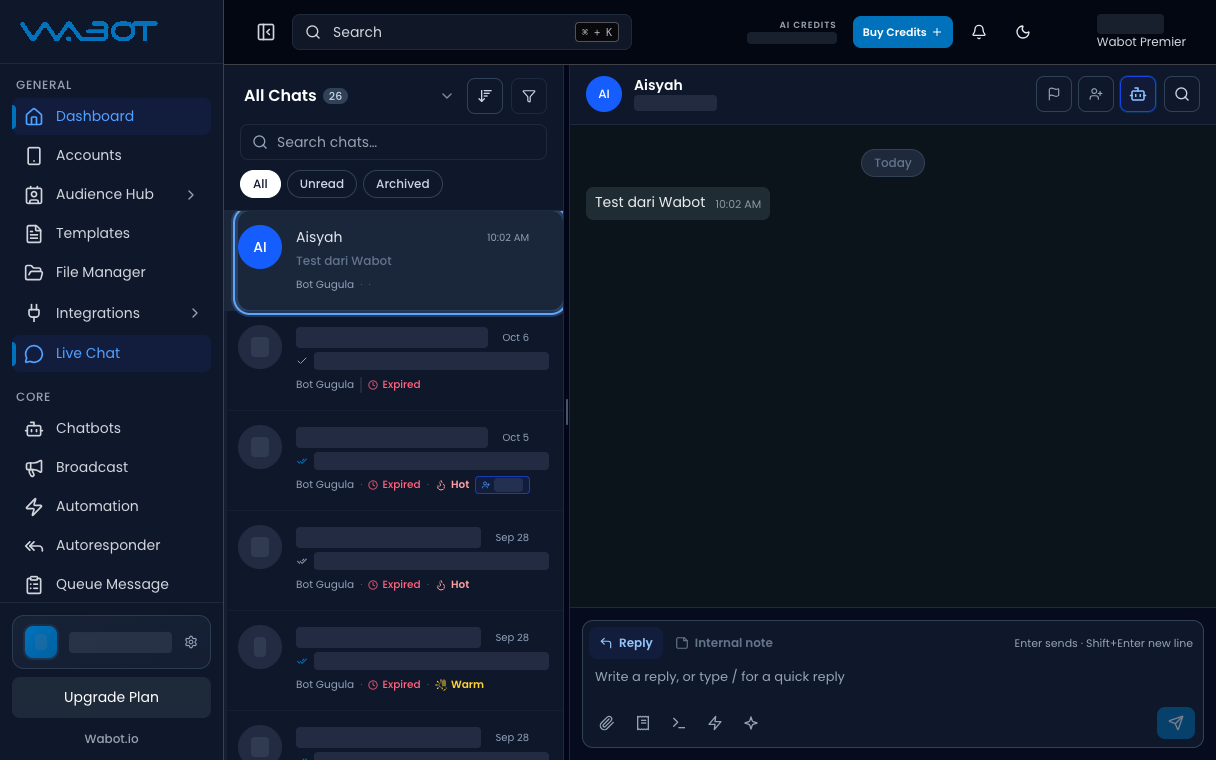
2. Open Live Chat
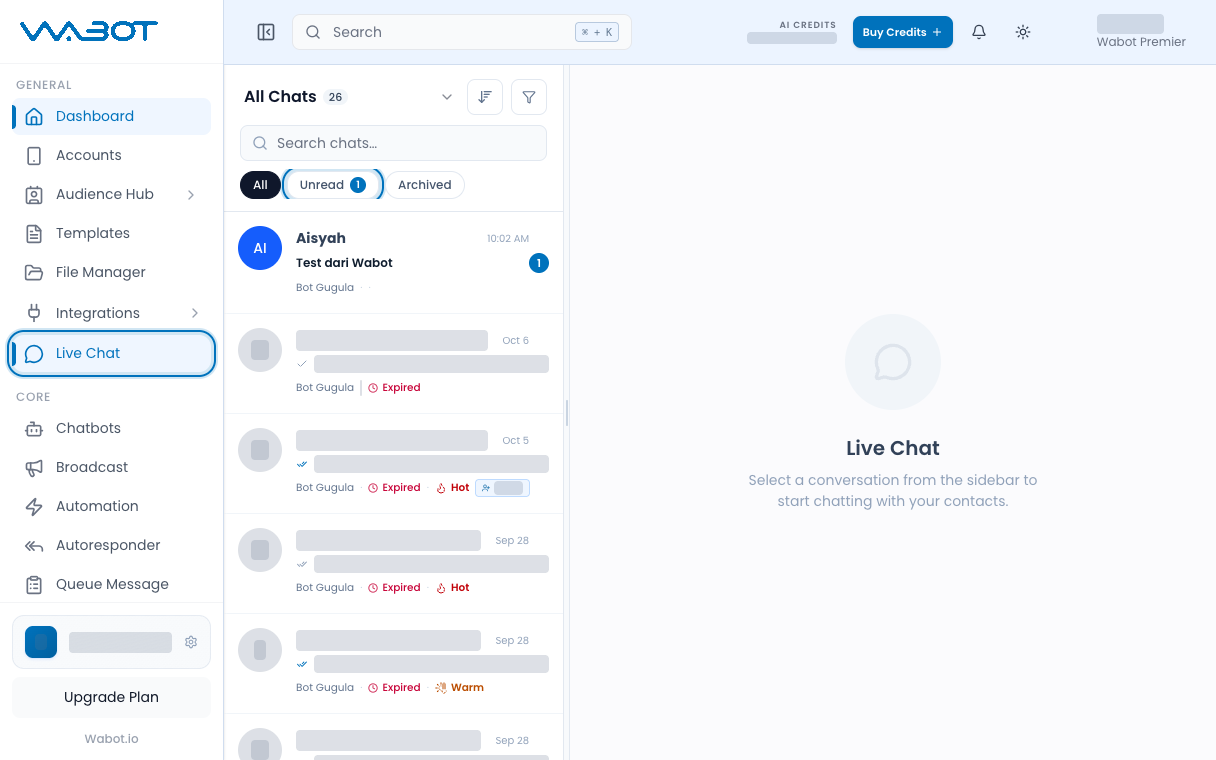
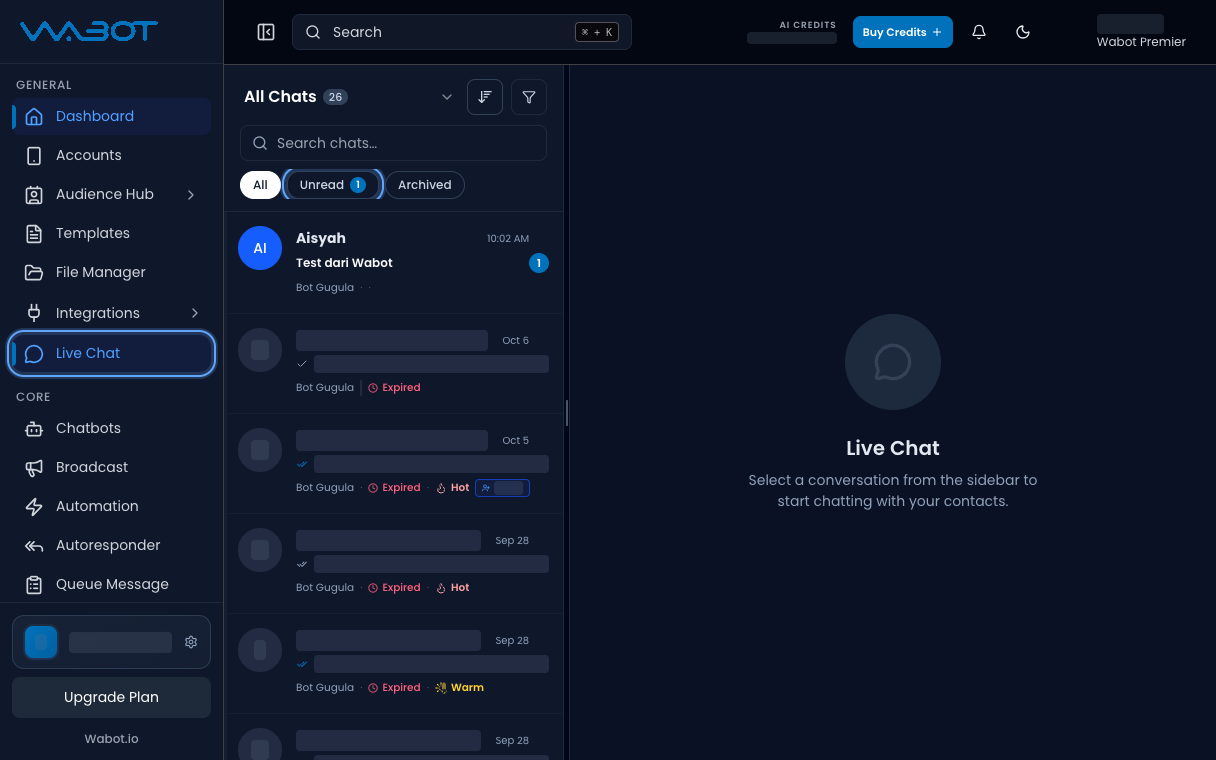
In Wabot, click Live Chat on the left menu.
Click Unread.
3. Open the thread
Click the new conversation.
4. Reply
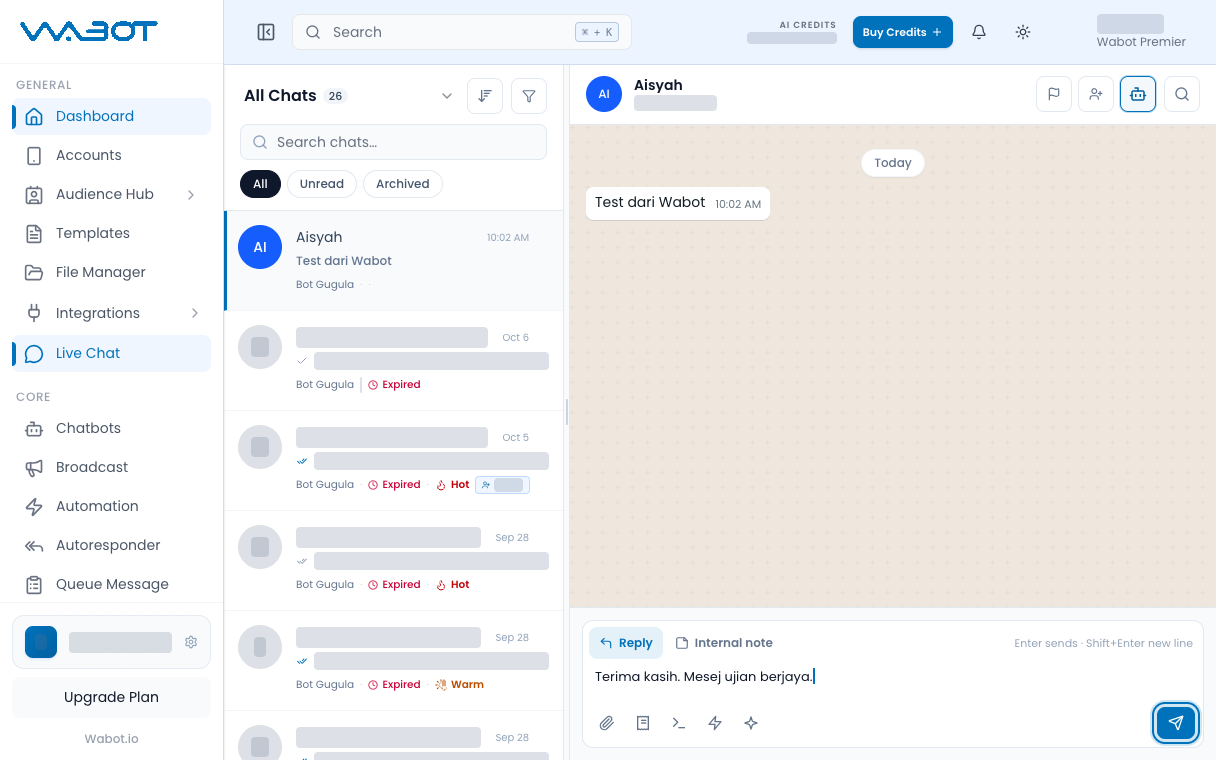
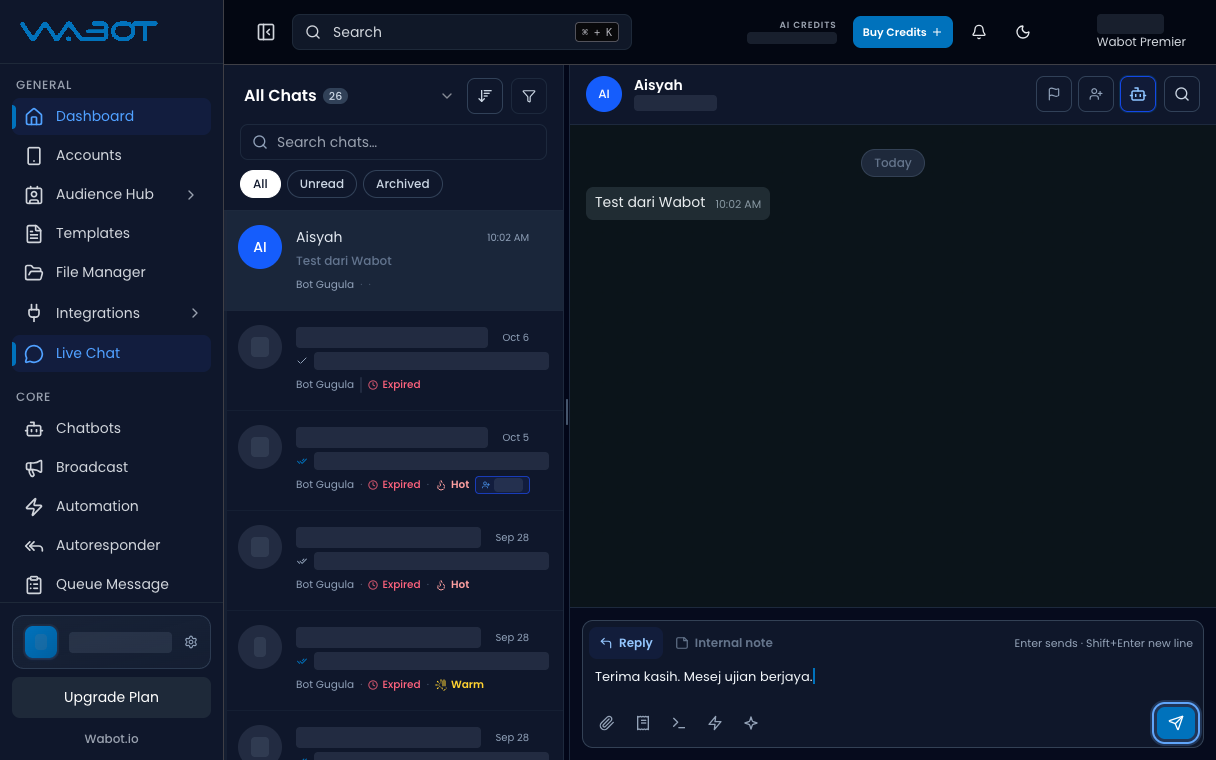
Type a short reply.
Terima kasih. Mesej ujian berjaya.
Press Enter, or click Send.
Make sure it worked
Your reply appears in the thread.
The other WhatsApp receives the same text.
If it didn’t work
Live Chat is empty
Wait a few seconds and click All. Check the account is still Online.
Official API will not send a free reply
If the header shows Expired, finish Reply after the 24h window expires. For a first test, send from the customer phone first so the 24-hour window opens.
The account is Offline
Reconnect with Connect Unofficial API or Connect Official API.
Next
Setup is done. Pick one job.