
Set conversation priority
Open Set Priority on a thread and mark it High or Urgent so the team sees it first.
In this tutorial, you will set priority on one conversation.
Time needed: 5 minutes
Before you start
Make sure:
- You can open the conversation in Live Chat.
- Your login can edit the contact. If Set Priority will not open, ask the account owner.
1. Open the conversation
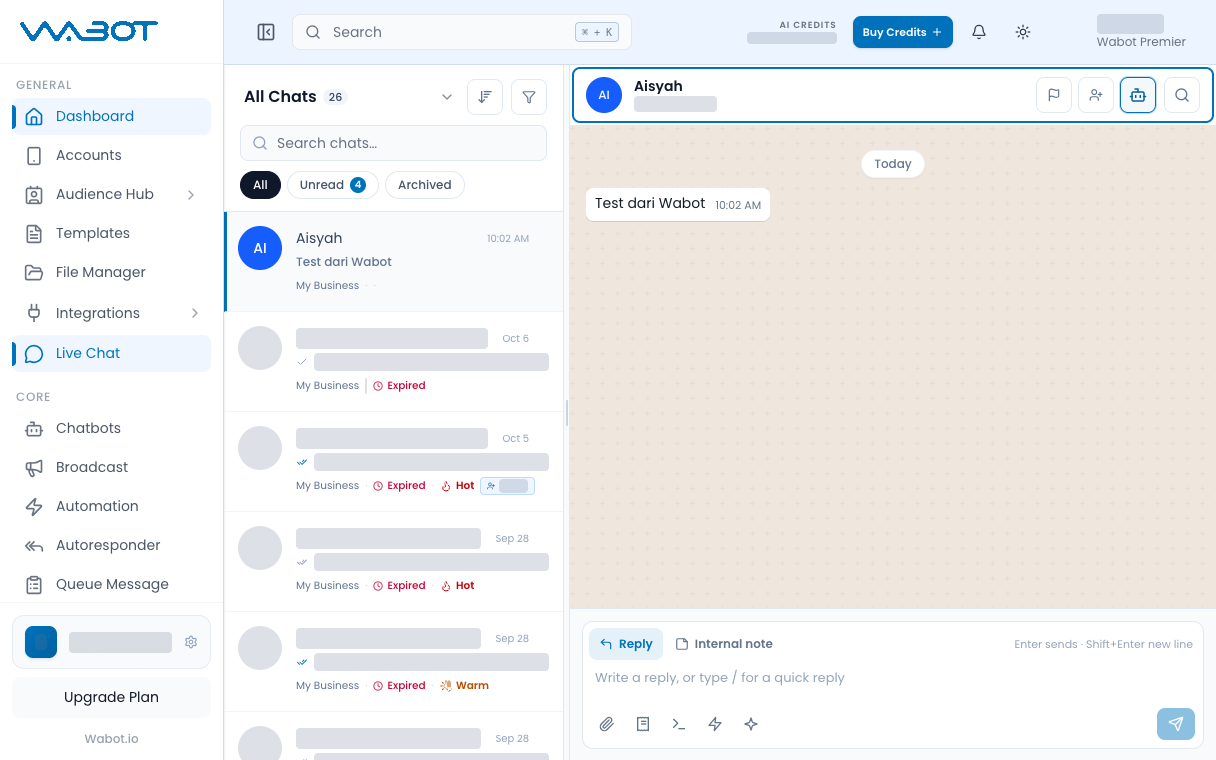
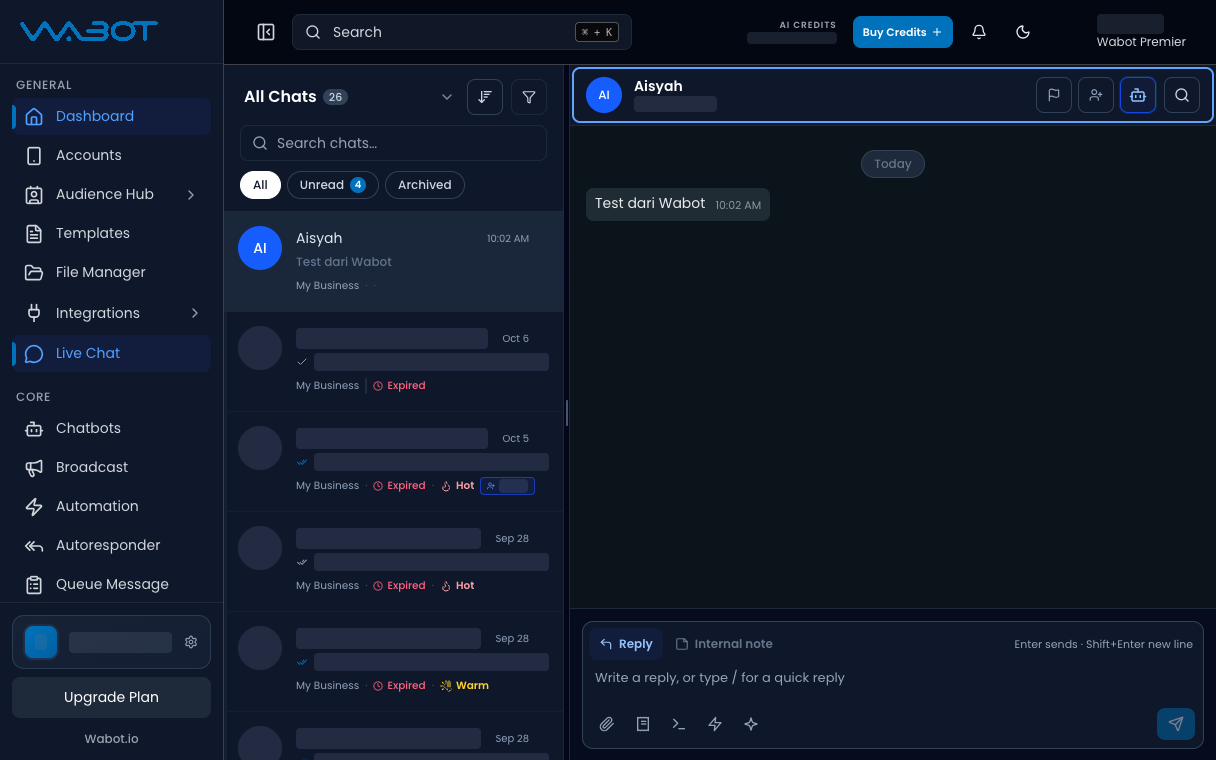
On the left menu, click Live Chat.
Click the thread.
2. Open Set Priority
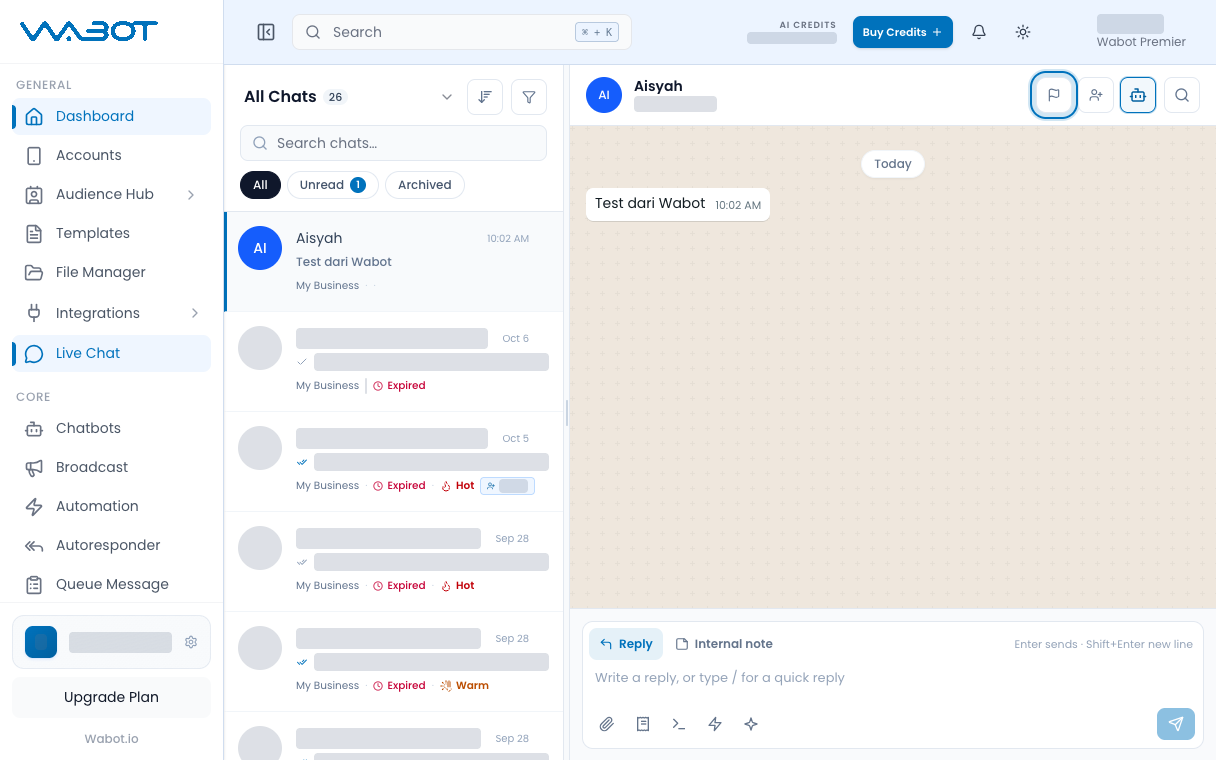
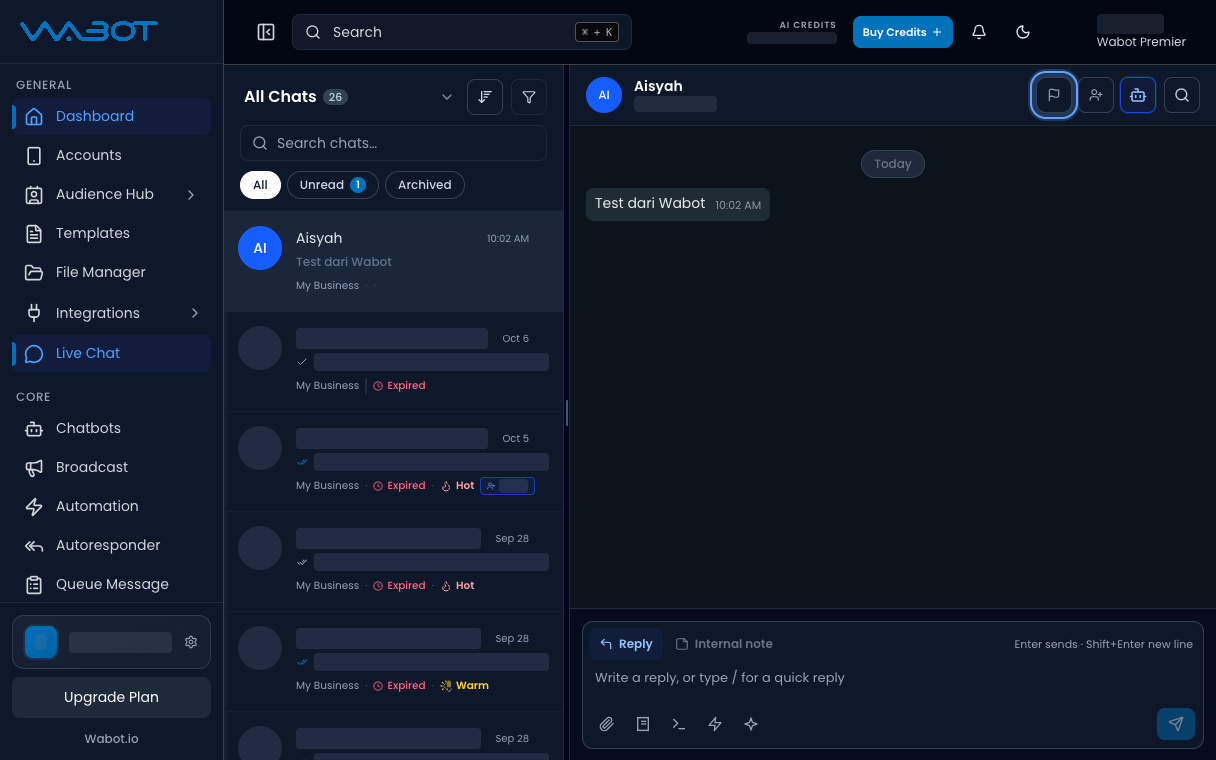
In the conversation header, click the priority control.
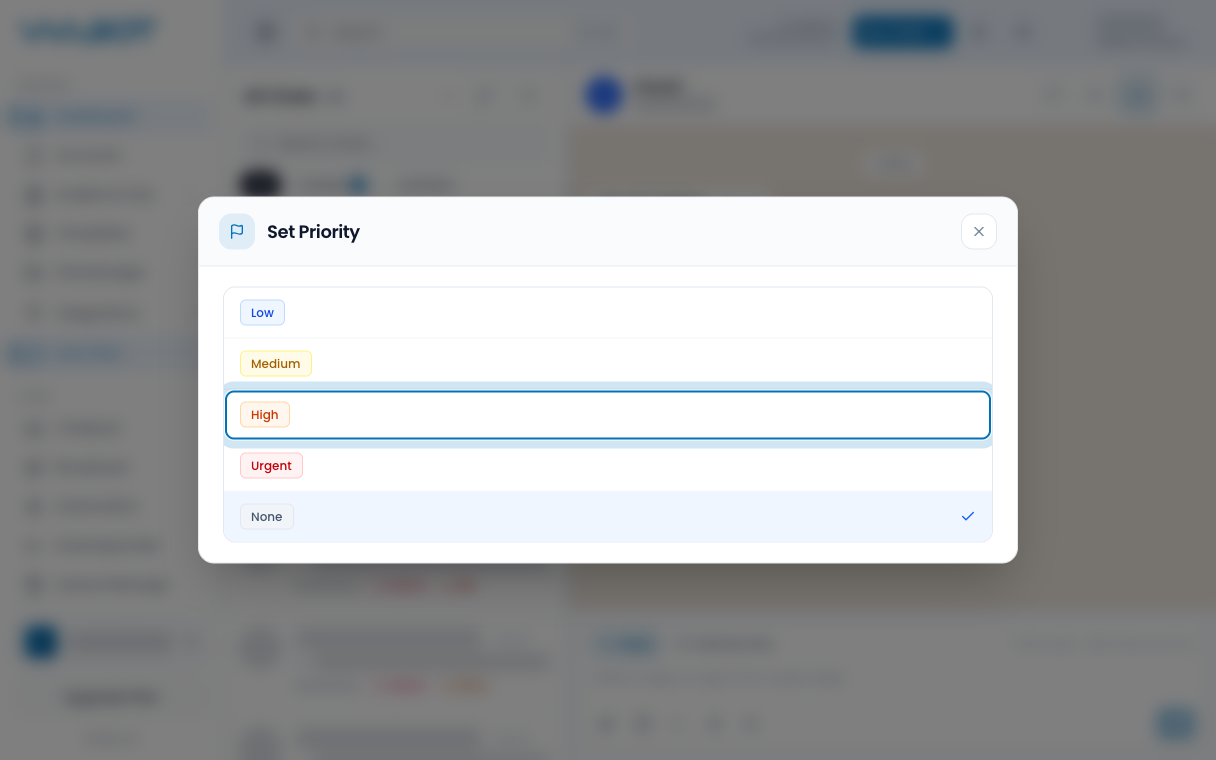
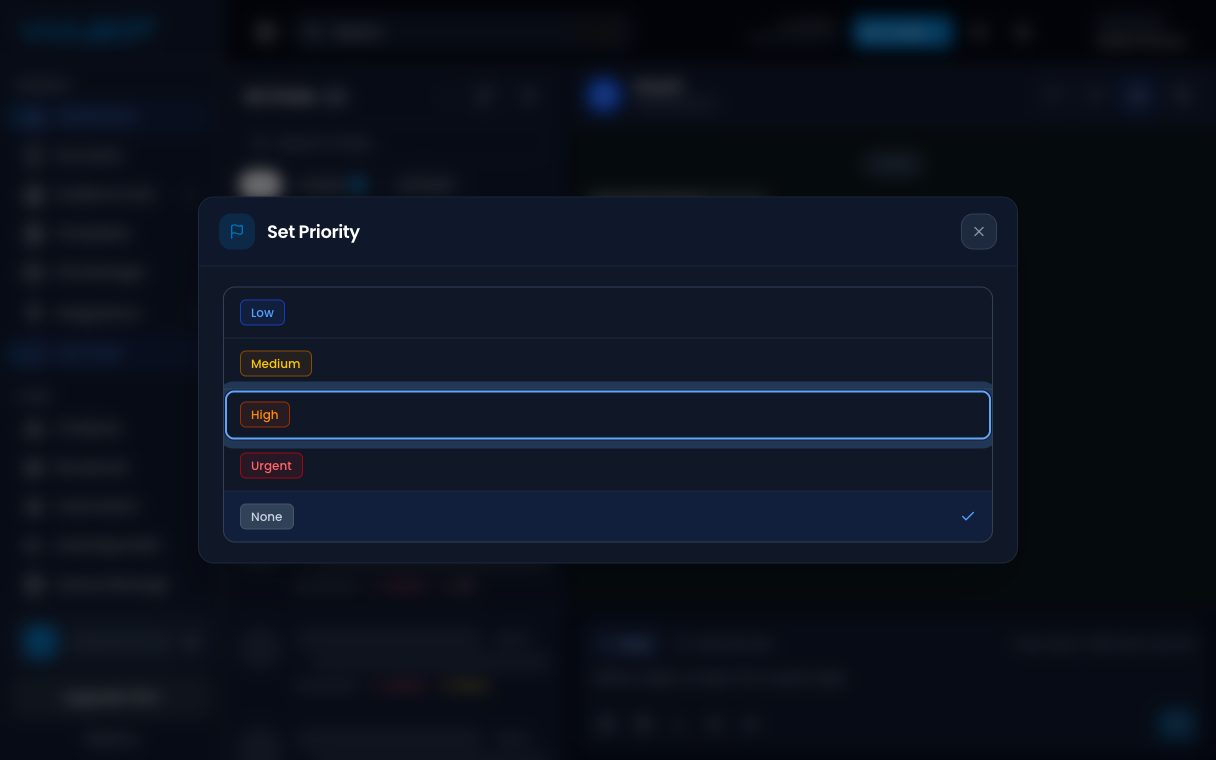
The Set Priority dialog opens.
3. Choose High
Click High.
If the customer needs an answer now, click Urgent instead.
Make sure it worked
The header shows High or Urgent.
You can also find it later under Filters → Priority.
If it didn’t work
I cannot open Set Priority
Your login may not include contact edit. Ask the account owner.
I want to clear it
Open Set Priority again and click None.
Next
Read the lead score in Read Lead Insights.